A used digital piano can be a sensible way to spend less, especially when it comes with the stand, pedal and bench you need. The awkward part is that a tidy cabinet and a convincing demo song tell you very little about the keys you will play every day. Allow time to try it yourself before handing over any money.
Buy a working instrument you can test, at a price that leaves a worthwhile saving over an equivalent new setup. If a key cuts out, a socket is unreliable or the seller says a fault is an easy fix, get that resolved or assessed before buying. This is a buyer’s inspection guide, based on manuals and published repair advice; it cannot certify an instrument’s condition.
Before you visit: get the model right
Ask for a clear photograph of the model label and power adapter, plus a list of everything included. “Yamaha electric piano” or “Roland 88-key” is too vague to find the right manual or compare prices. Ask when the seller bought it, whether it has been repaired, and whether any keys, pedals or connections behave differently from the others.
Download the exact model’s manual. Check that it offers what you need: weighted keys, built-in speakers, headphone practice, a particular pedal or a connection to your computer. A USB socket does not necessarily record audio, and Bluetooth does not necessarily connect to headphones.
Bring: known-working wired headphones with the correct adapter, the manual on your phone, and any cable/device needed to test a connection you intend to use. If you are new to piano, bring someone who can play a little and compare soft and firm notes.
Agree that you can play the piano, try its connections and inspect the stand. If there is no opportunity to power it up and test it, choose another instrument. You are buying something to practise on, so an untested purchase needs a different appetite for risk.
An inspection you can do in order
1. Look at the case, cables and power supply
Before switching on, look for damaged cables, bent plugs, cracked sockets, signs of a spill and a case that no longer fits together properly. Compare the adapter with the one specified by the manufacturer. A plug that fits is not enough to establish that its voltage, polarity and rating are suitable.
Do not test a visibly damaged electrical setup or open the case to investigate. Ask for the correct supply and qualified service. The Roland FP-10 owner’s manual, for example, requires the supplied adapter and warns that other supplies may have different voltage or polarity.
2. Play every key, softly and more firmly
Select a plain piano sound and a normal touch setting, with layers and split modes off. Work from the bottom of the keyboard to the top, including every black key. Play each note softly, then more firmly, and repeat it a few times. Listen for missed notes, unexpected loud bursts or a note that behaves inconsistently when you return to it.

The sound should respond to the change in your touch. If every note stays at one volume, check the settings before assuming a fault: the FP-10’s Key Touch setting includes a fixed-volume option. If one note behaves differently from its neighbours after the settings are understood, stop treating it as a bargain awaiting a quick clean.
Turn the sound down and listen to the physical action too. Some mechanical sound is normal. Look for a key that sticks, returns slowly, sits unusually low or clacks much more than adjacent keys. A slow scale and a short familiar piece reveal more than the built-in demo, which never has to press the keys.
3. Listen through speakers and headphones
Try bass notes, middle-register chords and treble notes at a comfortable playing volume. Check that both speakers work and listen for persistent buzzing, crackling or distortion. Remove loose objects from the piano or stand before deciding that a rattle comes from inside it.
Then try your headphones and each headphone socket. Turn the volume down and follow the manual’s power-off instructions before making connections. Listen in both ears, then unplug and check the speakers again. Some models have a speaker setting that overrides automatic muting, so consult the manual if their behaviour is unexpected.
A clean headphone signal alongside a buzzing speaker is useful information to give a repairer. It does not tell you which part needs replacing or what the job will cost.
4. Try the pedals and ordinary controls
With a piano sound selected, play a middle-register chord, hold the sustain pedal and release the keys. The sound should continue, then damp when you release the pedal. Repeat the test. If there are three pedals, try the other two according to that model’s manual; their jobs are not identical on every instrument.
A sustain pedal working backwards can be a compatibility or startup issue. Ask the seller to demonstrate the correct setup rather than assuming the piano is broken. Equally, do not accept a pedal that only works when its cable is held in a particular position. If half-pedalling matters to you, verify that both the instrument and the included pedal support it.
Try the power button, volume control, sound selection and metronome. On instruments with a screen or menu buttons, check that they respond reliably. You should be able to return to a normal piano sound without a struggle.
5. Test the connections you will rely on
If you want to record MIDI, connect your own compatible device and confirm that played notes reach the app. Our piano-to-iPad connection guide explains the cable and host roles. Test audio outputs with suitable equipment if those are essential to your setup; a working headphone jack does not prove that every other socket works.
The FP-10 is a good example of why labels matter. Its manual distinguishes USB COMPUTER, used for MIDI, from USB FOR UPDATE. Neither label promises a USB audio recording. If you cannot test an essential connection during the visit, leave that part of the buying decision open.

6. Check the stand, bench and journey home
Sit at the instrument. Check that the stand is the correct fit, its fasteners are present and it stays stable during ordinary playing. Inspect a folding bench’s lock and adjustment points. A loose or damaged support needs fixing before the piano is used.
Measure the instrument and your vehicle, including the route through doors and stairs. Follow the manufacturer’s moving instructions: disconnect cables and remove the music rest where directed. Check the required number of people as well as the vehicle: Roland calls for two people to move the FP-10, despite its portable format. Keep any removed hardware together, and never lift a piano by its music rest or leave weight pressing on the keys.
When to involve a technician
For a first practice piano, we would pass on unexplained intermittent notes, unreliable power, spill damage or a purchase that depends on an unpriced repair. A higher-value instrument may justify paying a digital-piano specialist to assess it before you commit.
Repair technician Paul Durand explains that an estimate depends on the particular model and fault, following a diagnostic assessment. That is why “it probably needs a contact cleaning” is not a useful repair budget. Ask whether the technician services that model and can obtain the necessary parts.
Start with the manufacturer’s service route. Yamaha’s US support page links to authorised service and parts enquiries; Kawai UK identifies its digital repair and parts partner. Availability needs checking for the particular model. There is no single age at which every digital piano becomes unrepairable.
Compare the whole setup, not just the asking price
Here are two hypothetical listings for the same piano. They are examples of how to compare a deal, not listings we found or valuations of a particular instrument. Both assume the piano works properly and includes its correct power supply, music rest and basic sustain switch.
Affiliate notice: Some links are paid links. As an Amazon Associate, we earn from qualifying purchases.
Match the included accessories before comparing a new offer with a used instrument. The linked piano is the FP-10; furniture stands and benches can be separate purchases.
For the new-price comparison, Sweetwater lists the FP-10 at $499.99, its KSCFP10 stand separately at $164.99 and a Yamaha PKBB1 bench at $69.99. Together, that basic home setup costs $734.97. The piano’s included switch covers sustain; a more capable pedal is an optional upgrade.
US equipment prices checked 26 October 2026, before tax and delivery. Add your actual collection or delivery cost to either used example. No paid app or subscription is needed to play the piano.
Example A: $450 with the stand and bench
The seller includes an undamaged KSCFP10 stand and PKBB1 bench, as well as the piano’s normal accessories. You do not need to buy either separately.
Equipment total: $450. Saving against new: $284.97.
That is enough of a difference to make a proper inspection worthwhile. The saving still has to cover any collection cost and the value you place on the new retailer’s return and warranty terms.
Example B: $450 without the stand or bench
To build the same setup, add $164.99 for the stand and $69.99 for the bench.
Equipment total: $684.98. Saving against new: $49.99.
At that price, we would choose the new piano or negotiate a substantially lower used price. If you already own a suitable stand and bench, compare the piano alone: the saving is still $49.99.
The matching furniture stand is a choice, not the only way to support this piano. If you prefer another manufacturer-approved stand, price that on both sides. Likewise, leave headphones out of both totals if you already own suitable ones. Keep the comparison fair rather than adding upgrades only to the used instrument.
Before paying, write down the model, serial number, price and included accessories, and confirm any dealer return or warranty terms in writing. Then take one more unhurried turn at the keys. The piano you are taking home should already do the job you are buying it for.
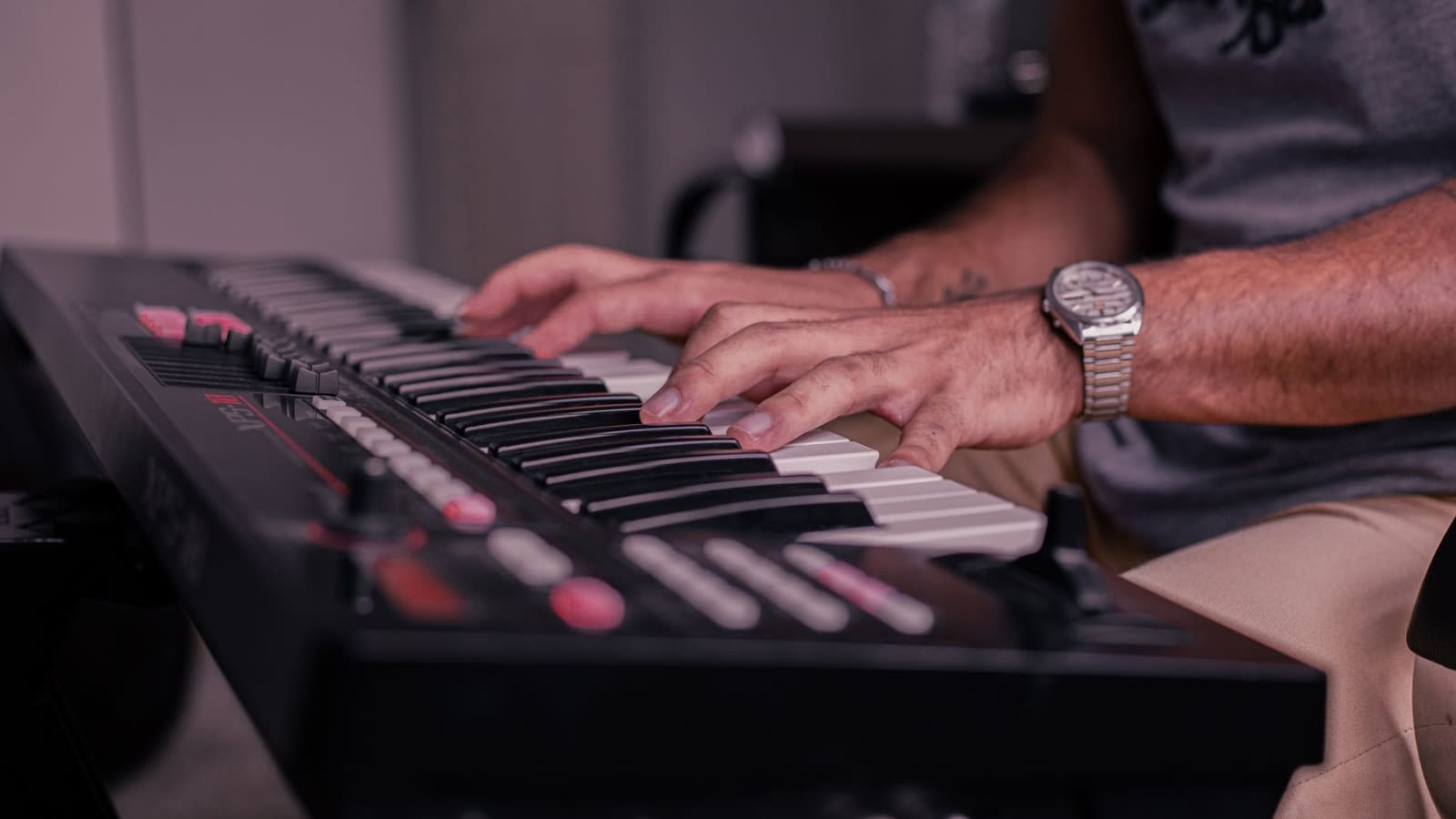
Featured photograph: Jean Ivanki / Pexels. Illustrative keyboard photograph.