For a piano with round five-pin MIDI sockets, start with the Yamaha MD-BT01. For a compatible Yamaha piano with USB TO HOST, consider the UD-BT01; for a more flexible USB host that can also join a WIDI setup, look at the CME WIDI Uhost. The app you want to use can change that choice, even when the plugs fit.
We compared the manufacturers’ manuals and app support. We have not tested these adapters on a piano or measured their wireless delay.
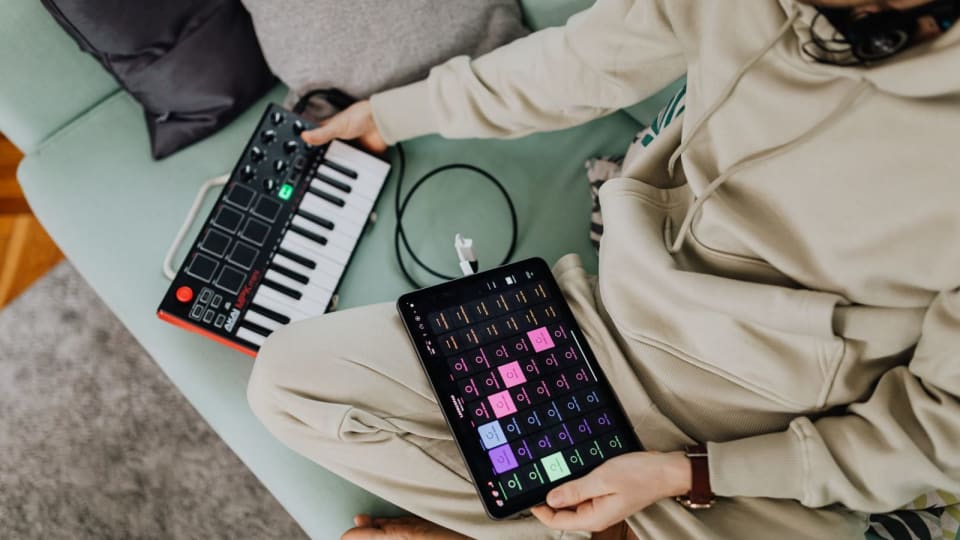
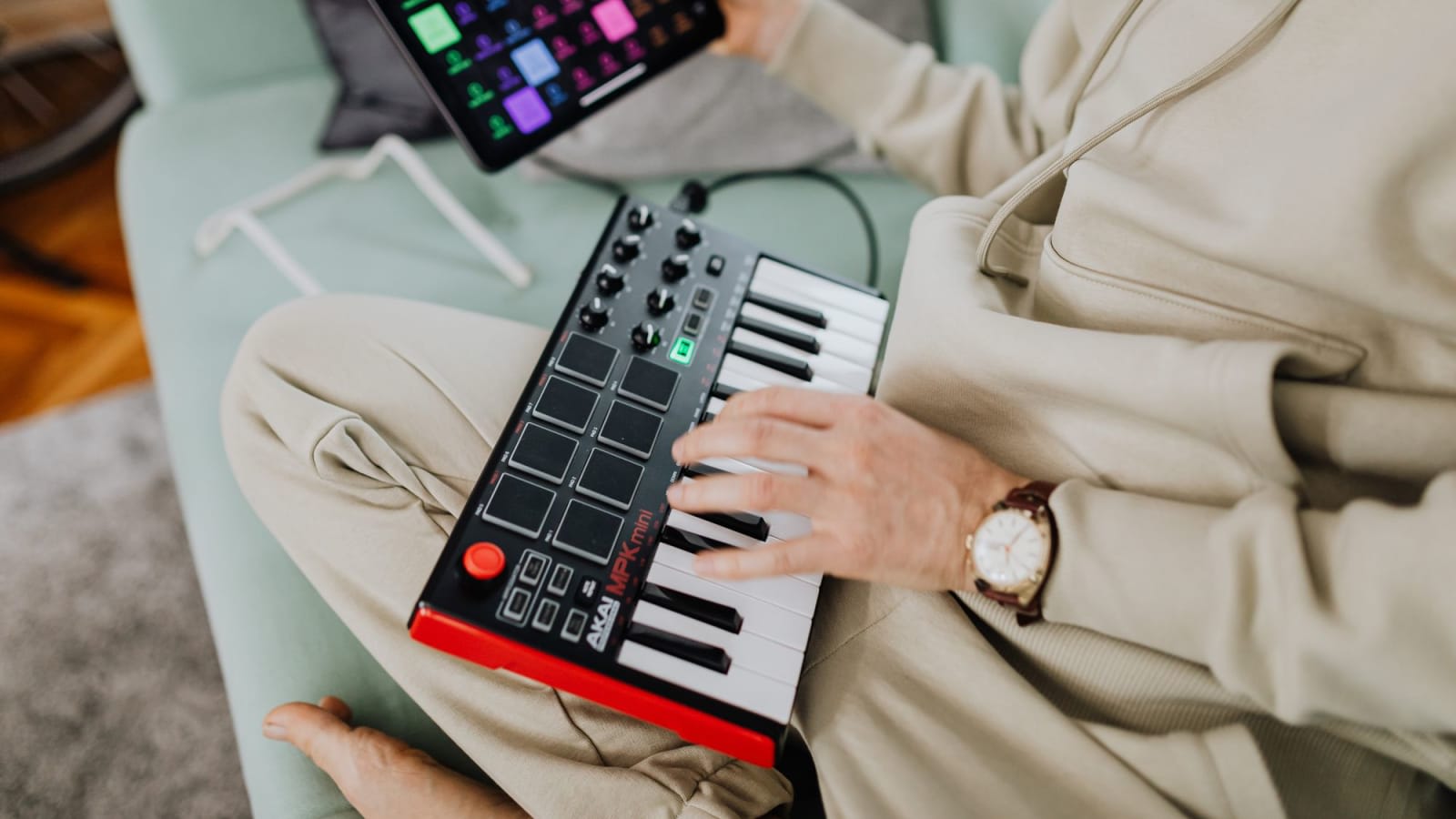
Featured photo: a keyboard-and-tablet setup, by Kaboompics / Pexels.
Match the adapter to the piano’s connection
Bluetooth MIDI sends notes and other playing instructions, not the piano’s sound. None of these adapters is a route to Bluetooth headphones. If that is the problem you want to solve, start with headphones and digital-piano audio instead.
| Adapter | Piano connection | Power and extra parts |
|---|---|---|
| Yamaha MD-BT01 | Five-pin MIDI IN and OUT | From the piano’s MIDI OUT; no separate charger on supported instruments |
| Yamaha UD-BT01 | USB TO HOST; supplied cable fits USB-B | Separate USB-A wall charger; A-to-B data cable included |
| CME WIDI Uhost | Class-compliant USB MIDI, through its Host/Device port | External 5V USB supply when hosting a piano; matching OTG data and power cables |
A USB host manages the USB connection. With a piano-to-iPad cable, the iPad normally does that job. A wireless USB adapter must take over at the piano end. A cheap Bluetooth dongle intended for a computer does not become a MIDI host just because it fits a USB socket.
Three adapters, three reasons to choose
Affiliate notice: Some links are paid links. As an Amazon Associate, we earn from qualifying purchases.
Prices checked 30 October 2026. US prices below come from the linked stores and exclude tax and delivery.
Yamaha MD-BT01: the simple DIN option for an iPad or Mac
The MD-BT01 suits an older piano with MIDI IN and OUT when you want to send notes to an Apple music app. It draws its power from MIDI OUT, so Yamaha-supported instruments need no extra wall charger. The two plugs stay at the piano; your iPad can sit wherever you can comfortably read it.
That power arrangement is also the limitation. Check Yamaha’s instrument list for your model. For another brand, ask its maker whether MIDI OUT can power this adapter. A piano with only USB cannot use it. Yamaha’s MD-BT01 manual gives the connection direction and Apple hardware requirements. Sweetwater lists the adapter at $49.99.
Yamaha UD-BT01: USB MIDI with a separate power connection
Choose the UD-BT01 when your supported Yamaha piano has USB TO HOST and your Apple app accepts the connection. Yamaha includes a 1.5m USB-A-to-USB-B cable, listed in the current manual. You supply a USB-A wall charger. The adapter’s male USB-A plug is power-only; plugging it into a computer does not make it a USB MIDI receiver for that computer.
The cable still runs from the piano to the adapter, usually near a power outlet. The wireless part is the link to the iPad or Mac. At $59.99 from Sweetwater, it is a sensible choice for a confirmed Yamaha/app combination. Check the Smart Pianist example below before assuming all Yamaha pianos work the same way.
CME WIDI Uhost: more flexible, with more to check
The Uhost can host a class-compliant USB MIDI instrument, or act as a USB device attached to a computer. That makes it useful if your setup may grow beyond one piano and one iPad. CME documents a single-Uhost connection to iOS or macOS; a second WIDI unit is not automatically necessary at the Apple end.
For a USB-B piano, budget $69.99 for the Uhost, $9.99 for cable pack I and a 5V USB supply. That pack supplies both the USB-B OTG data cable and the USB-A-to-USB-C power cable. With the $17.89 charger below, the adapter hardware totals $97.87. Reuse suitable cables and power if you already own them.
“Class-compliant” means the instrument can use standard USB MIDI without a special manufacturer driver. CME’s Uhost manual excludes devices with USB hub functions and handles only the first virtual MIDI port of a multi-port device. Instruments combining USB audio and MIDI need USB firmware 1.6 or later; Uhost still carries MIDI, not their audio.
Check both USB and Bluetooth firmware in the WIDI app, following CME’s current setup instructions. Windows and Android need their own supported app/driver route; the presence of Bluetooth on the computer or phone is not enough. If that route is unclear, keep the wired connection until the app or adapter maker confirms it.
What two complete iPad setups cost
These examples assume you already own the named piano, its power supply and a compatible iPad. They include the adapter’s essential extras and use free apps. The first plays the iPad’s instrument sounds; the second controls a Yamaha piano. Neither adds a wireless audio connection.
Yamaha P-155 → MD-BT01 → GarageBand
Yamaha lists the P-155 as compatible with MD-BT01. This route lets its keys play a GarageBand Touch Instrument. Apple’s current GarageBand 2.3.20 download is free and requires iPadOS 27; check that you can run the app before ordering hardware.
With the piano off, connect both adapter plugs as shown in Yamaha’s manual, then turn the piano on. In GarageBand, Apple’s Bluetooth MIDI instructions use Settings → Advanced → Bluetooth MIDI Devices. Select the adapter and turn Connect on.
Open a keyboard Touch Instrument and try a few notes. Hear GarageBand through the iPad’s speakers for this basic setup; lower the P-155’s own volume if you do not want both sounds at once. The MIDI link does not send GarageBand’s audio back to the piano.
Additional purchase: $49.99.
MD-BT01 $49.99 + GarageBand $0. No separate adapter charger, cable pack or receiver is required.
Yamaha P-145 → UD-BT01 → Smart Pianist
Yamaha’s current Smart Pianist connection selector offers UD-BT01 when you choose the P-145 and iPhone/iPad. The free Smart Pianist US app currently requires iPadOS 16 or later. Its available controls depend on the piano model.
The Belkin WCA002DQWH charger is $17.89 at Office Depot. Belkin specifies a 5V USB-A output. A suitable charger you already own can remove that purchase.
Connect the adapter to USB power and use its supplied cable for the piano, following the UD-BT01 manual. Then follow Smart Pianist’s Connection Wizard. Yamaha warns that its audio recording function is unavailable over this Bluetooth connection; choose a supported wired route if recording audio in the app is your purpose. You can continue hearing the P-145 through its own speakers.
Additional purchases: $77.88.
UD-BT01 $59.99 + Belkin charger $17.89 + included USB cable $0 + Smart Pianist $0. With a suitable existing charger, the purchase is $59.99.
P-125 owners should choose differently for Smart Pianist. The same current selector lists wired iPhone/iPad connections for the P-125, while offering UD-BT01 for the P-145 and P-225. Yamaha’s older UD-BT01 product page still gives a blanket Smart Pianist exclusion. Use the model-specific selector and the app’s wizard, rather than transferring one piano’s answer to another.
Check these three things before paying
- The exact socket and model. A P-145 has a supported USB route here; the MD-BT01’s DIN plugs are the wrong choice for it. A headphone socket cannot substitute for MIDI.
- The receiving app. Find its Bluetooth MIDI connection instructions. Ordinary Bluetooth audio pairing does not establish a note-input connection, and an adapter cannot add MIDI support to an app that lacks it.
- Every power and cable requirement. For Uhost as a piano host, use its separate 5V power input and the correct OTG cable. Its limited USB bus power does not replace a digital piano’s own power supply.
If you cannot confirm the wireless route, use the instrument’s supported cable connection. Our piano-to-iPad connection guide covers USB and five-pin MIDI, including Lightning and USB-C iPads. Keeping a cable that already works costs nothing and leaves wireless as an optional convenience.
After connecting, check that the intended app responds to notes, releases and the sustain pedal. If the device appears but the music does not respond as expected, the MIDI input checks help separate an app setting from a connection problem.