
Portable Recorders for Ensemble Rehearsals: Mics, Inputs and Placement
Compare three portable recorders for ensemble rehearsals, then find a position that captures the whole group. Includes a room plan and setup checklist.
Mia
Community & Content. Writer and lifelong pianist. Writes about gear, production, and the business side of making music.
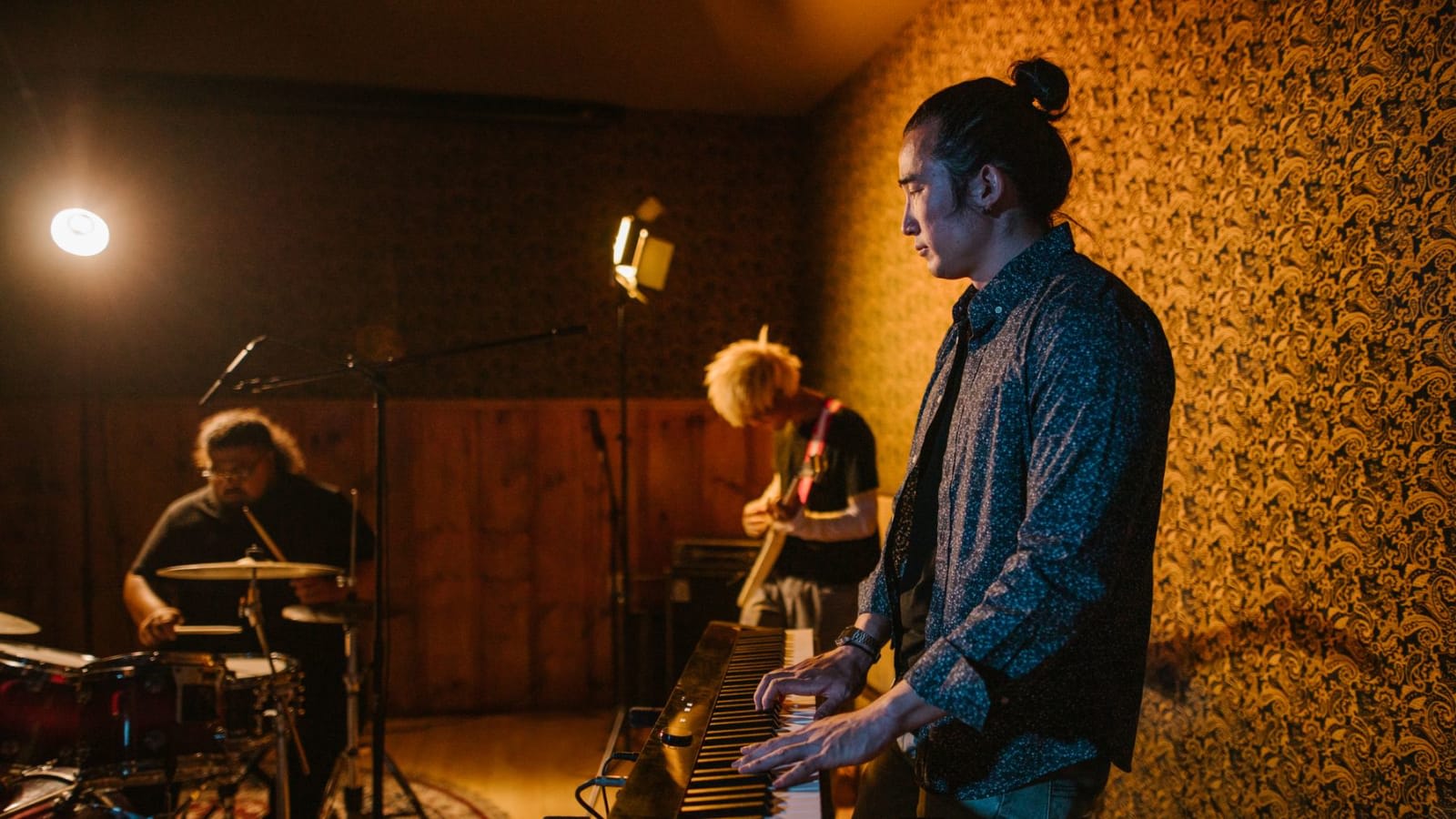
A rehearsal recorder should let you hear the group clearly enough to discuss balance, entrances and pacing. A stereo handheld with built-in microphones can do that without a laptop or a bag of cables. The harder decision is whether you need one room recording or extra inputs that let you adjust individual sources later.
For a straightforward stereo rehearsal copy, start with the Zoom H1essential. The Tascam DR-07XP adds adjustable microphone positions; the Zoom H4essential is the useful step up when you already have a reason for two external mic or line inputs. These recommendations compare documented features, not a listening test of the three units.
Before rehearsal: arrange permission to record and agree who will receive the files. Bring a compatible memory card, charged or fresh batteries, a stable support and headphones for the sound check. No computer or subscription is required for standalone recording; a computer and transfer connection help with editing and sharing later.
Three ways to capture the room
All three models below have built-in stereo microphones and 32-bit float WAV recording. The important differences are microphone arrangement, external connections and what you can separate after recording.
Affiliate notice: Some links are paid links. As an Amazon Associate, we earn from qualifying purchases.
Zoom H1essential: a small stereo rehearsal recorder
The H1essential gives a small ensemble a fixed X/Y pair, a headphone output and recording to microSD. It runs on two AAA batteries or USB power. There are no XLR inputs, so it suits a group that wants to put one recorder in place, play and listen back.
X/Y places the capsules close together and angled apart. That gives a useful starting point for a compact group in front of the recorder. The microphones do not swivel outward; changing the stereo perspective means moving or reorienting the whole unit. A 3.5 mm mic/line input is available, but this is still a two-channel recorder, not a way to add separately mixed spot microphones to the built-in pair.
Recorder-only US price checked 25 September 2026: $109.99 at B&H, before tax. Card, batteries and support are additional.
Tascam DR-07XP: change the microphone arrangement
The DR-07XP is the more flexible two-channel option here. Its directional microphones move between a closed X/Y position and an open arrangement Tascam calls A/B. You can compare the two from the same location when a group’s seating changes, without adding external microphones.
Check the left/right channel setting after moving the capsules. Tascam specifies L–R for open A/B and R–L for closed X/Y, with a prompt when the setting does not match. The DR-07XP manual explains the swap. A quick spoken “left side” from the group’s left is a simple check before the take.
It uses two AA batteries and offers a 3.5 mm external input, but no XLR sockets. Its adjustable microphones are the reason to pay more than for the H1essential. The A/B label here should not be confused with placing two separate omnidirectional microphones far apart across a room.
Recorder-only US price checked 25 September 2026: $159 at Crutchfield, before tax. Card, batteries and support are additional.
Zoom H4essential: a room pair plus two external inputs
The H4essential combines its built-in X/Y pair with two XLR/TRS inputs. That is useful when a rehearsal includes a keyboard whose direct line signal you want alongside the room, or when a quiet instrument needs its own microphone. The separate inputs give you more control over the resulting balance.
It also adds setup work: external microphones need stands and cables, and condenser microphones may need phantom power. Use the source device’s documented line output and appropriate cable; never connect a powered speaker output. The H4essential manual distinguishes its mic and line connections.
Battery planning matters here. Zoom’s published alkaline figures range from about nine hours for its specified built-in-mic setup to about two and a half hours for its specified four-track setup with headphones, both with phantom power off. Those are different test conditions, not a guarantee for your rehearsal. Carry spares or arrange suitable USB power.
Recorder-only US price checked 25 September 2026: $219.99 at B&H, before tax. Two AA batteries, card and support are additional, as is any external-microphone setup.
Find a position that represents the whole group
Start with the musicians in front of the recorder, its microphones unobstructed by a music desk or someone’s body. Avoid laying it on a piano, drum or shared table that players touch. A separate stable stand makes it easier to change height and reduces direct handling and surface knocks.
This plan shows two trial positions for a four-player group. A is closer; B is farther back. It is a comparison to make in your room, not a prescribed distance or a claim that every ensemble should sit in this shape.
A closer position usually makes direct instrumental detail more prominent. Moving back admits more of the room and may help the group blend, but can make entrances harder to distinguish in a reverberant space. DPA’s stereo-recording guide explains why spacing, microphone direction and distance all affect the result.
Listen for a specific imbalance. If the nearest cello, drum kit or piano overwhelms the others, try a different position or angle before changing everyone’s playing. The recorder hears from one location; the person sitting beside a loud instrument hears from another. Keep music stands out of the direct path where practical, and do not compromise players’ visibility to get a recording.
32-bit float cannot repair microphone overload, chair noise or a missing instrument. The H1essential manual explicitly tells users to increase distance when its microphone-overload warning appears. Check the loudest passage before the full take. Keep playback volume comfortable; a recorder’s maximum sound-pressure specification is not a safe listening-level recommendation.
Add the missing parts before comparing prices
The prices above are dated non-Amazon recorder prices, not complete kit totals. None of these choices requires a paid recording subscription. Shipping and local tax are excluded; confirm the delivered price and exact bundle contents before ordering.
- Storage: a microSD card supported by the exact recorder. Check the maker’s tested-card list, not capacity alone.
- Power: two AAA cells for H1essential; two AA cells for DR-07XP or H4essential. Add spares, or a compatible USB supply and cable.
- Support: a stable tripod or stand with the correct mounting adapter, able to reach the position you need.
- Review and transfer: existing headphones plus a suitable USB data cable or card reader and computer. A charge-only cable will not transfer files.
- H4 external-input use: add the microphones or line-source cables, extra stands and any required power equipment.
We have not priced a compatible accessory basket for your room, so the full upfront total remains unverified. Add each missing item to the recorder price. Replacement batteries are a running cost; an optional windscreen or case belongs on a separate line.
If you already own a reliable recorder or a phone that captures the group clearly, try the placement check before replacing it. For a dedicated acoustic-piano recording rather than the whole ensemble, the piano microphone comparison covers different setups.
Record one short passage before the full rehearsal
Back up any existing card contents before formatting it in the recorder. Select stereo WAV for the room pair, check remaining recording time, and make a short test containing both a quiet entrance and a loud passage. Stop and replay it through headphones.
Every part audible, correct left/right orientation, clear entrances, no overload or stand knocks.
The file exists, the full test plays, the intended inputs are recorded, and power and card space are sufficient.
Agree whether rehearsal discussion should be recorded too. Pause when someone asks, and keep distribution to the agreed group. Permission to make a rehearsal copy is separate from permission to post a performance publicly.
Afterwards, keep the original WAV and make a smaller listening copy if the group needs one. For detailed work on a brief passage, you can slow and loop a permitted recording. Listen once without stopping, then identify one entrance or balance issue to revisit.
Write down the take, timestamp and the part responsible for the next action: “Take 2, 01:14, second part enters before the cello finishes.” That gives each player something concrete to bring into their preparation between ensemble rehearsals.
Further reading
 Setup
SetupBest Microphones for Recording Piano in 2026: 6 Picks Under $300
The best microphone for recording piano depends on whether the sound starts in the room or at line outputs. Compare six mics, recorders, and interfaces under $300.
16 min read Practice tools
Slow Down a Recording Without Changing Pitch: A Practice Loop
Slow down a recording without changing pitch, set a useful A–B loop and save a practice copy. Try the workflow with our downloadable audio example.
6 min read Practice Methods
How Ensemble Playing Should Change the Way You Practice Alone
Ensemble playing is not solo practice plus other people later. This guide shows musicians how to change their individual work so pulse, cues, counting, balance, and recovery actually transfer into rehearsals.
12 min read