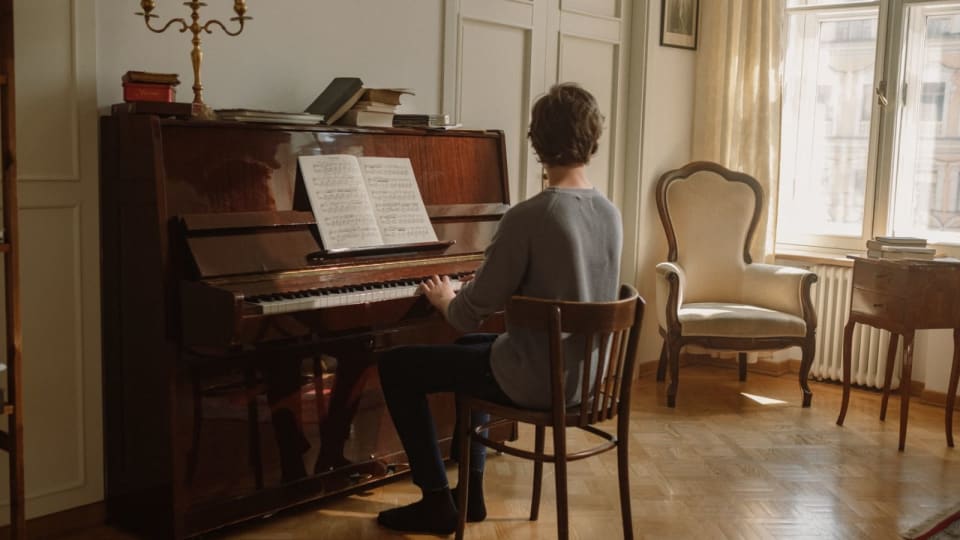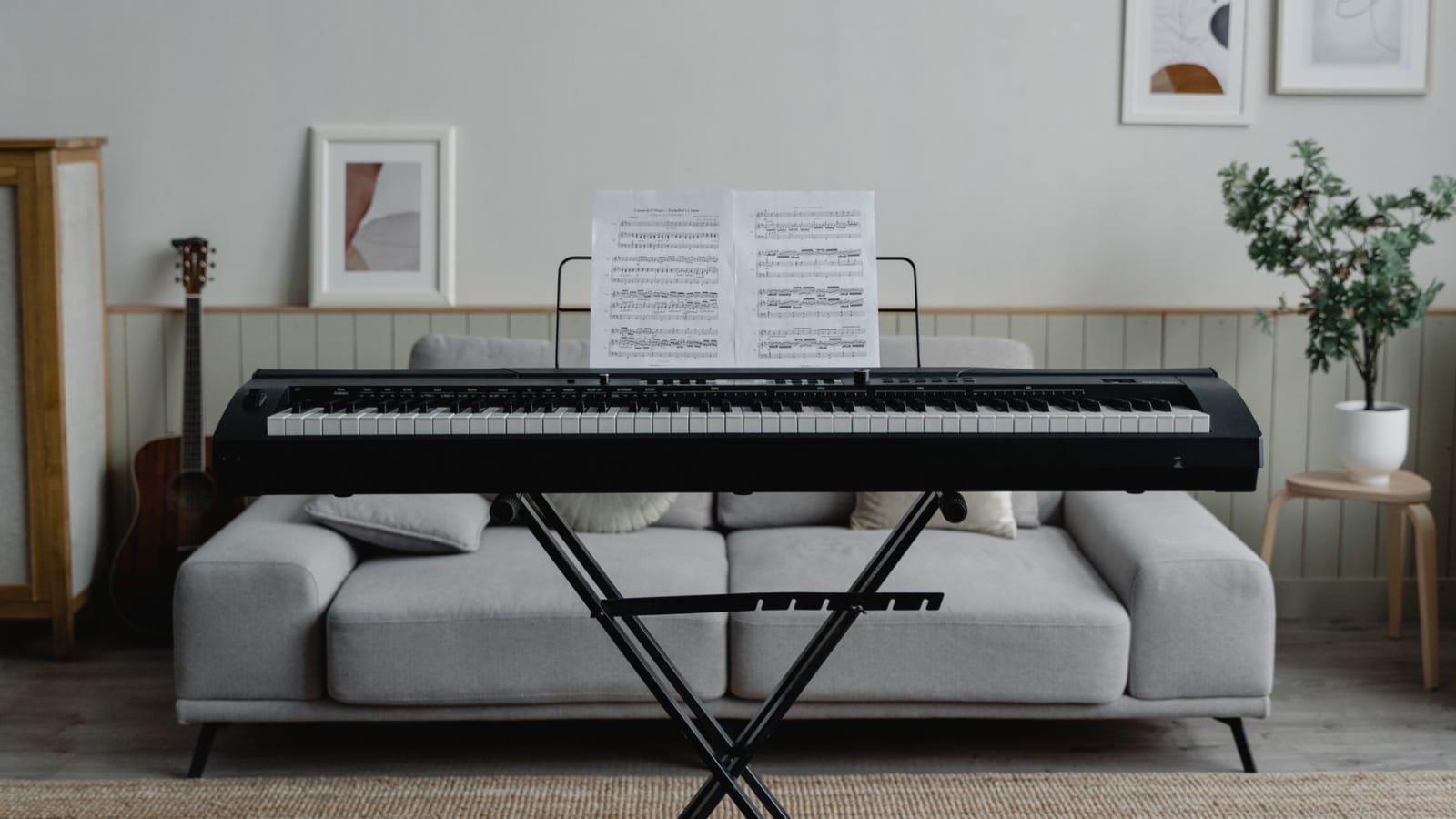
The most expensive digital piano buying mistakes do not look like mistakes at checkout. A plausible listing can promise 88 keys, a pedal, speakers, Bluetooth, and hundreds of sounds while hiding an unsuitable action, a sliding footswitch, or wireless audio that travels in the wrong direction.
Before paying, veto any listing that cannot answer nine questions: what action is under the keys, how it behaves quietly, whether the sound system suits the room, how much space the complete station takes, what noise remains under headphones, whether the furniture fits the player, what each connection carries, which pedals are supported, and how you can return or service the exact unit. If you have not yet decided between a digital and acoustic instrument, make that choice first in our post on electric piano versus acoustic piano; this post starts one step later, once you want a digital piano and need to catch the regrets a specification table hides.
The regrets do not arrive at checkout
A product page compresses a piano into labels. Daily practice expands it back into weight, depth, sound, vibration, cables, furniture, and rules. That is why the useful buying sequence is not “compare every feature, then pick the most.” It is “find every possible veto, then compare what survives.”
Specifications, manuals, and US policy pages were checked on August 22, 2026. Model suffixes and wireless features can vary by region. We have not bench-tested every instrument named here, so physical recommendations are repeatable checks for you to perform, not claims that one action suits every player.
The clock matters because a generous return policy is only useful while it is open. Test the instrument, room, and connections early. Do not spend three weeks admiring presets before discovering the pedal jack cannot do what your lessons will soon require.
The first ten minutes expose the instrument
1. Buying 88 keys instead of buying an action
Eighty-eight keys describe range, not feel. The official Alesis Recital specification, for example, says 88 full-size semi-weighted keys. Yamaha lists the P-145BT with 88 Graded Hammer Compact keys. Both statements can be true because key count and action type answer different questions.
If the goal is learning piano with a likely move to an acoustic instrument, start by looking for a graded or scaled hammer action, then test it. Semi-weighted or unweighted keys can be the better choice for organ, synth, production, or extreme portability. The regret is not owning fewer or lighter keys. It is buying the wrong instrument class because “88 full-size” sounded conclusive.
Not sure which range your room and repertoire require? Our guide to choosing 61, 76, or 88 keys handles that trade before you compare actions.
2. Trusting an action name without playing quietly
“Hammer action” narrows the field. It does not tell you whether a particular player can control it. Two credible actions can differ in resistance, return speed, pivot feel near the backs of the keys, surface texture, and mechanical noise. Reviews can tell you what a reviewer noticed. They cannot lend you that reviewer’s hands.
Use the same two-minute test on every finalist. Play five adjacent notes as softly and evenly as possible. Repeat one note quickly without hitting hard. Play a short chord pattern near the fronts of the keys, then farther back between the black keys. Finally turn the volume down and repeat it. You are checking control, return, leverage, and the sound made by the mechanism itself.
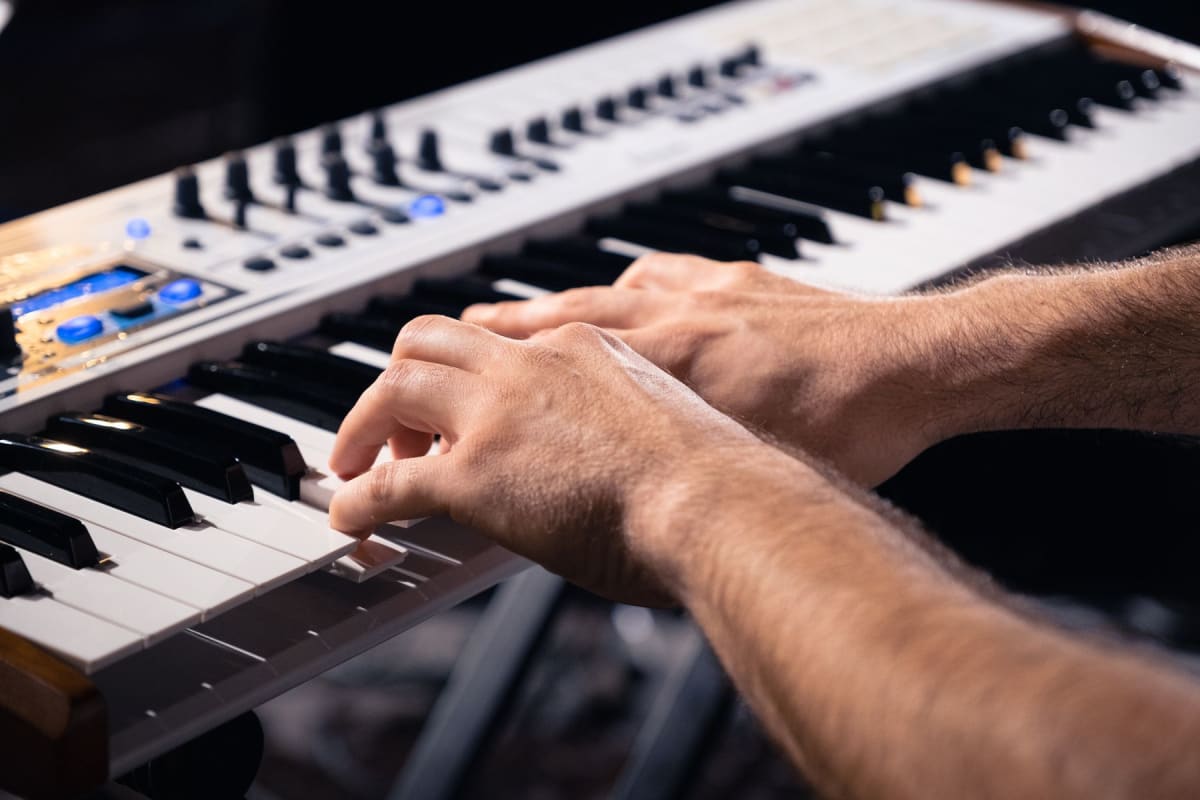
“A feature list can narrow the shortlist. Only your hands can approve the keybed.”
3. Letting one large number choose the sound system
More voices, more polyphony, and more speaker watts are easy to rank. They are poor substitutes for the job the piano must do. The Korg D1 is a digital piano without built-in speakers. That is sensible on a stage or in a studio with monitors, and a nasty surprise in a first home setup.
Polyphony also needs context. It counts simultaneous sounding notes, including notes still held by the pedal and, on layered sounds, more than one sound per key. Roland explains that older notes may be cut when the limit is exceeded. That does not make the biggest number the best piano. A beginner playing one piano tone may never expose a 64-note limit, while someone layering sounds under heavy sustain has a reason to want more headroom.
Listen through the speakers at the volume you will actually use rather than only at showroom volume. Then try your own wired headphones. Check whether the headphone socket mutes the speakers, whether it is reachable from the bench, and whether you need a plug adapter. If you may connect monitors or an audio interface, look for dedicated line outputs. A headphone output can sometimes feed other gear, but it is not the same promise.
The first week exposes the room
4. Measuring the slab, not the playing station
A digital piano’s listed dimensions usually describe the body. Your room must hold the music rest, stand, pedal, cables, bench, seated player, and enough travel to sit down. It also needs access to controls and sockets. A piano that is 10 inches deep can easily create a station more than 4 feet deep once a person is included.
Manufacturer specifications reveal how fast the footprint changes. Yamaha lists the P-145BT body at about 52.2 inches wide and 10.6 inches deep, but its depth becomes about 12.5 inches with the matching L-100 stand. Roland lists the FP-10 body at about 50.6 by 10.2 inches, while the configuration with its music rest and dedicated stand is deeper and over 36 inches high. Neither number includes a moving bench and human legs.
Mark the complete station on the floor with painter’s tape. Add a rectangle for the bench in both playing and pulled-back positions. Sit there. Check the walkway, power outlet, pedal foot, open door, radiator, and where a headphone cable will fall. Our complete beginner home-piano setup goes deeper on the stand, bench, lighting, headphones, and full basket.
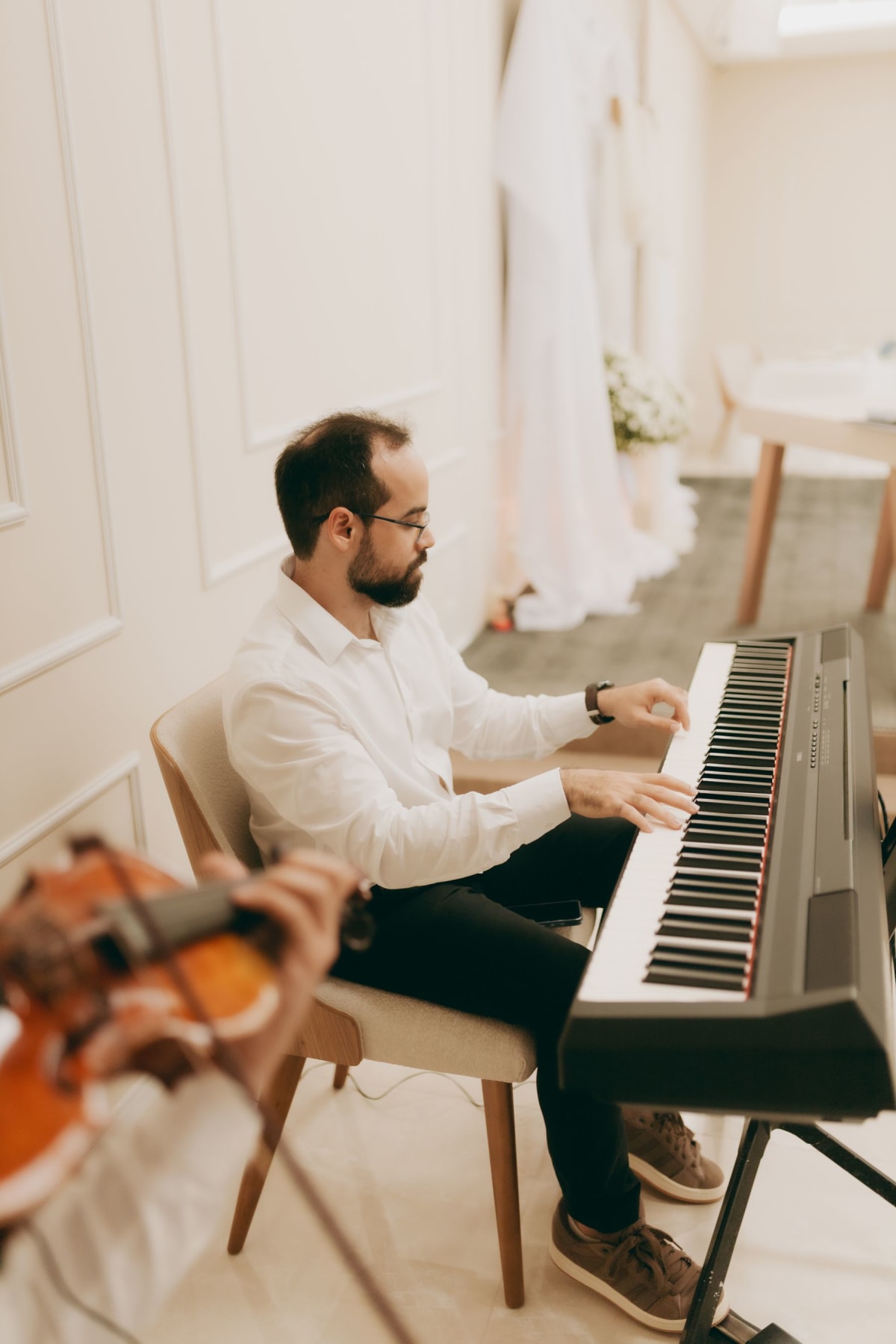
5. Believing headphones make a hammer action silent
Headphones silence the piano sound for everyone else. They do not silence the key mechanism, your fingers landing, the pedal returning, or vibration entering a hard floor. Roland’s support guidance says the physical hammer action produces impact sound; Kawai says the same basic thing and notes that it becomes more obvious when the electronic sound is low.
Test with the instrument’s volume at zero while someone listens from the next room or below, if possible. A stable isolation mat can reduce some transmission, and moving the instrument away from a shared wall can help. Stability wins over softness, though. Never put a heavy keyboard on a thick improvised layer that lets the stand rock.
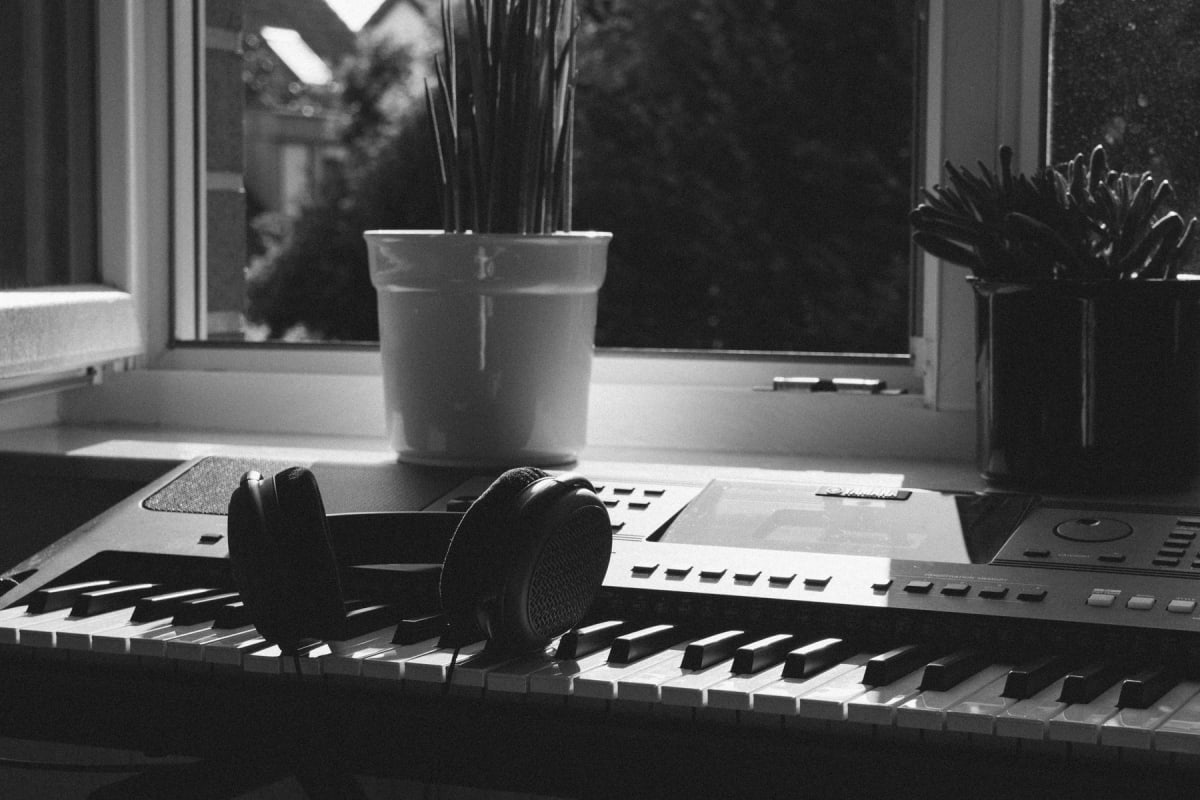
6. Treating the stand and seat as decoration
A good keybed on a shaking stand at the wrong height is still a bad practice experience. The player should be able to sit with feet supported, shoulders loose, forearms roughly level with the keys, and room for the pedal foot. Yamaha’s basic piano posture guidance puts the feet flat and the elbows nearly level with the keyboard. Children may need both an adjustable seat and a footrest.
Check three numbers before buying furniture: the stand’s usable height range, the seat height range, and the keyboard body’s thickness. Also verify load capacity and how the instrument is secured. A fixed dining chair can work briefly for one adult; it cannot adjust as a child grows, and arms or a sloping cushion may block movement.
The budget mistake is counting only the slab. Make a complete pre-tax basket that includes the exact stand, seat, wired headphones or adapter, useful pedal, power supply if not included, delivery, and any cables. Do not rescue an over-budget instrument by putting it on furniture that makes it unpleasant or unsafe to play.
The first month exposes the ecosystem
7. Reading “Bluetooth” and “USB” as complete answers
Wireless and USB labels name families of connections, not one shared feature. Yamaha’s current P-145BT receives Bluetooth audio from a phone so the piano speakers can play it. Its owner’s manual explicitly says the piano cannot send its sound to Bluetooth headphones or speakers. The same instrument’s USB connection carries both MIDI and audio.
The Roland FP-10 uses Bluetooth MIDI for app communication, not Bluetooth audio, and its documented USB workflow is MIDI. The Korg B2+ supports USB-C audio and MIDI. The Kawai ES60 has USB MIDI, no Bluetooth, and dedicated line outputs. None of those designs is universally better. Each solves a different wiring problem.
| Label | What it can mean | Question that prevents regret |
|---|---|---|
| Bluetooth audio | Phone audio into piano speakers, not necessarily piano audio out | Which direction, and are Bluetooth headphones supported? |
| Bluetooth MIDI | Note and control data for a compatible app | Which apps and operating systems are documented? |
| USB MIDI | Performance data, not the piano’s recorded sound | Does the computer need a driver or adapter? |
| USB audio | Digital sound between piano and device | Is audio one-way or two-way, and at what format? |
| Phones / output | Headphones and sometimes an external audio feed | Does it mute the speakers, and is there a separate line out? |
Write the job in plain language before reading the specifications: “I want a phone backing track through the piano,” “I want wireless MIDI into this learning app,” or “I want clean audio into my laptop.” Then find that exact signal path in the manufacturer manual. A logo or retailer filter is not proof.
8. Assuming the included pedal is the pedal system
Entry-level slabs often include a small on/off footswitch. It sustains, but it may not sense partial pedal positions, may slide on a smooth floor, and says nothing about a future three-pedal unit. Pedal compatibility depends on the instrument, connector, polarity, sensing method, and sometimes a matching furniture stand.
For example, Yamaha documents continuous half-pedaling on the P-145BT with the optional FC3A or the LP-5A three-pedal unit, and the LP-5A mounts with the matching L-100 stand. Roland lists an included switch for the FP-10 and the optional DP-10 for half-pedal support. Kawai’s ES60 includes an on/off F-1SP while its F-10H adds progressive half-pedaling. “Pedal included” does not describe the same ceiling on all three.
Check the manual’s accessory and pedal sections, then record the exact supported part number. Do not buy a generic pedal because the plug looks right. If three pedals matter, verify both the pedal unit and any stand it requires before choosing the piano.
9. Buying the bargain without preserving an exit
A cheap listing can be an older generation, a region-specific variant, an open-box return, or a marketplace offer from a seller the manufacturer does not recognize for warranty service. None is automatically a bad buy. The mistake is paying before you know which one it is.
Model names can be deceptively close. Yamaha announced the P-145 as the successor to the P-45 in 2023, then introduced the Bluetooth-equipped P-145BT later. That does not make the P-45 unusable. It means “P-45,” “P-145,” and “P-145BT” are not interchangeable search terms. Match the model number on the listing, box, invoice, manual, and manufacturer page.
Read the seller’s return rules for condition, original packaging, accessories, return freight, and deadlines. Keep the shipping carton until the instrument passes every test. Also read the manufacturer’s regional warranty conditions. Yamaha’s US warranty page ties coverage to new products sold by authorized US dealers; other brands and countries set their own terms. A low price is only a saving if you knowingly accept its exit path.
“Do not buy a promise in a retailer filter. Buy the exact model, signal path, pedal path, and return path you verified.”
Two pianos that show why the checklist matters
This is not another ranking. The Yamaha P-145BT and Roland FP-10 are useful reference cases because both are credible 88-key beginner pianos, yet their connections solve different jobs. The optional Roland pedal also shows why accessory compatibility belongs in the instrument decision. For a wider model comparison, use our current beginner digital-piano buying guide.
Affiliate notice: Some links are paid links. As an Amazon Associate, we earn from qualifying purchases.
Collect proof before you pay
A shortlist becomes safe when every important claim points to evidence you can save. Use the retailer page to discover a model, then use the manufacturer specification and manual to verify it. Use your hands and room to verify what documents cannot.
On delivery day, photograph the box, confirm the model number, and test every key at several dynamics. Test both speakers, every socket you plan to use, the pedal, power adapter, music rest, buttons, app connection, and headphone behavior. Run the checks before discarding packaging or missing a short reporting deadline.
The right digital piano is not the one that wins every specification. It is the one that survives all nine vetoes and still makes tomorrow’s practice easy to begin.