

Simply Guitar is the easier app for a complete beginner to start with, while Yousician offers more room to grow. Simply keeps the early course focused on a phone or tablet; Yousician presents a busier interface alongside deeper technique tracks, theory, desktop apps, flexible notation, and stronger practice controls.
Someone who wants help forming the first chords may prefer Simply Guitar. A learner already thinking about barre chords, fretboard knowledge, lead playing, or practising through a computer will probably get more from Yousician.
Features, trial terms, platform support, and public US plan entries were checked on September 2, 2026. Checkout prices can vary by platform, country, and offer.
Which app gets a complete beginner moving faster?
Simply Guitar has the cleaner first-week experience. Its opening Guitar Basics course introduces the instrument, tuning, notes, chords, and short playing tasks before the curriculum divides into Lead and Chords paths. The current App Store description emphasizes step-by-step video lessons, chord switching, strumming, tab reading, technique exercises, progress tracking, and feedback from the device microphone. The app does not assume previous experience, and the first part of Guitar Basics I remains available without a subscription.
Yousician also begins at the beginning. Its getting-started guide opens with holding and tuning the guitar, then puts the learner into a first song after tuning the sixth string. The difference is presentation. Yousician introduces missions, scores, stars, multiple notation choices, a wider song area, workouts, and an unlocked learning path. That extra freedom is useful once a learner knows what to look for, though it can feel like more machinery during the first few sessions.
Both apps work with a real six-string acoustic, classical, or electric guitar. An unamplified electric guitar may be too quiet for either device microphone, so a clean amp sound is the simple starting setup. Yousician also supports compatible audio interfaces, which becomes valuable if an electric player wants more reliable recognition without filling the room with an amplifier.
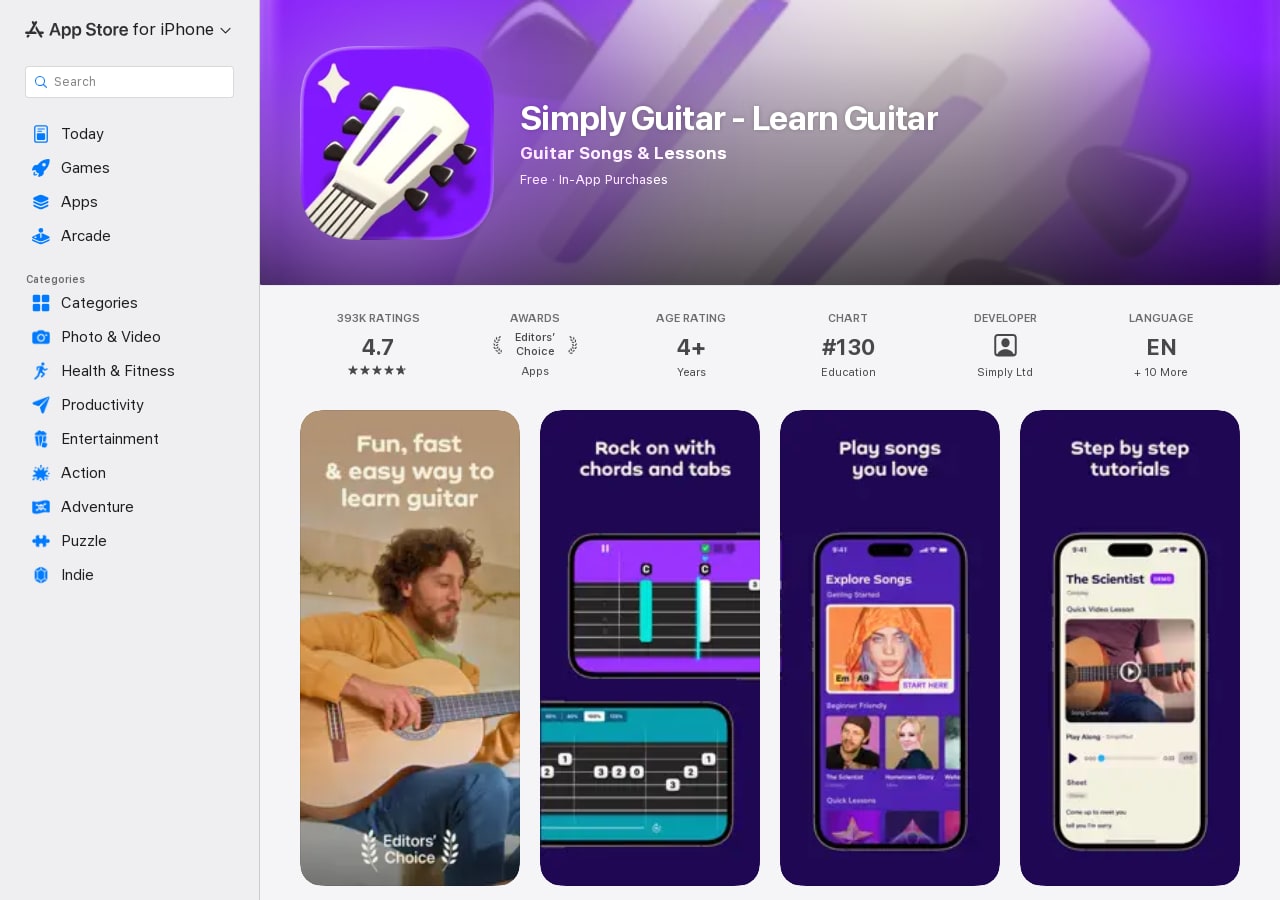
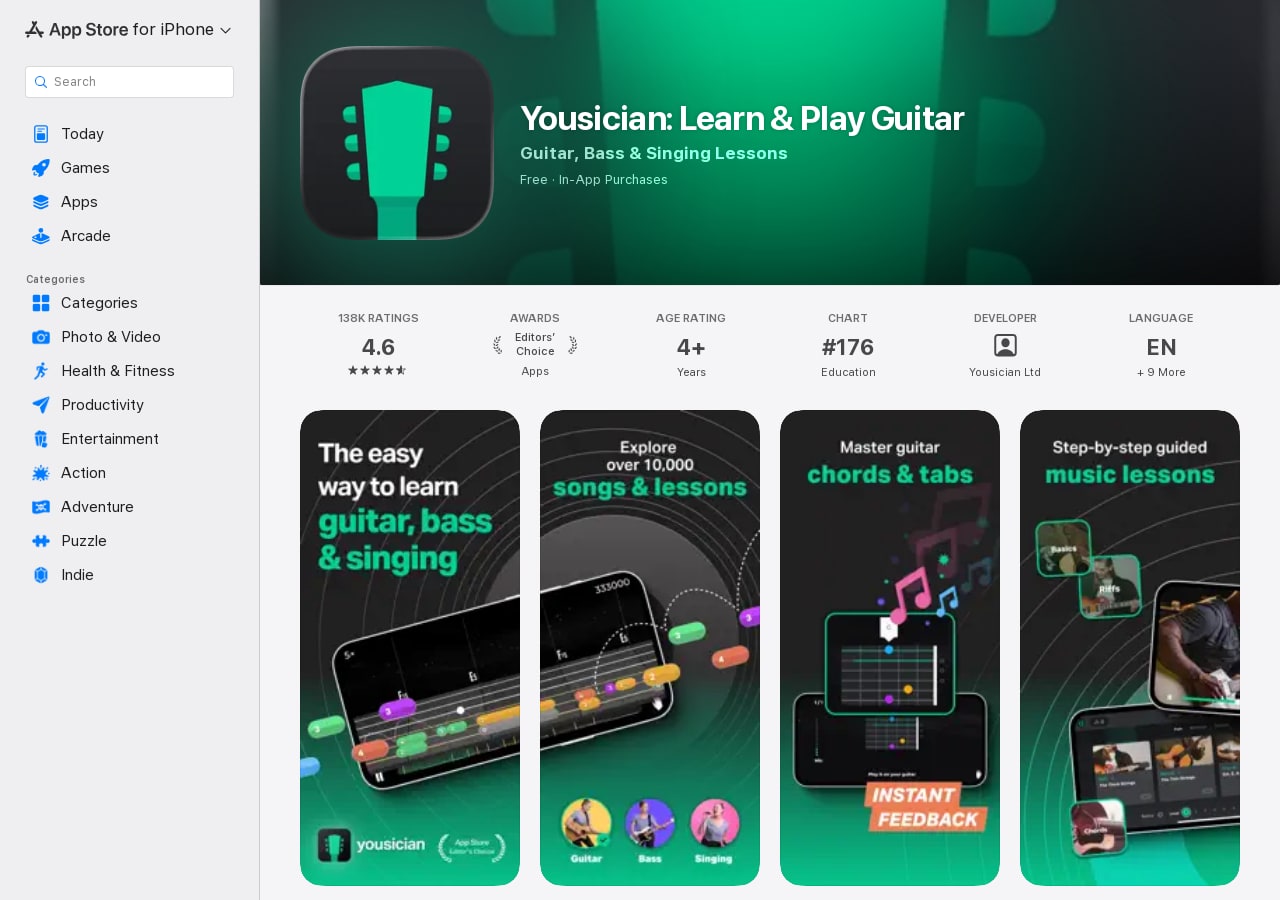
The current store pages make the presentation gap visible: Simply foregrounds chords, tabs, songs, and short tutorials, while Yousician foregrounds its larger lesson system and multiple instruments.
What happens after the first chords?
Simply Guitar becomes more flexible after the basics. Its published course map separates melody and riff work into a Lead path, while the Chords path develops chord changes, strumming, and accompaniment. Combined courses draw on both. The currently listed endpoints are Fretboard Master I for Lead, Fingerpicking Basics III for Chords, and Rock Legend IV for the combined route. Premium members can continue with songs and Simply Workshops after reaching the end of the available courses.
This is a sensible curriculum for somebody who wants to accompany songs, read tab, and begin playing riffs without first studying a large theory syllabus. It is also finite. Simply does not publish a parallel ear-training or theory pathway comparable with Yousician's Knowledge theme, and its help center openly tells learners when they have reached the present end of a path.
Yousician describes ten complete guitar-playing levels. Its guitar learning path separates melody, riffs, and lead from chord and rhythm work, then adds five Knowledge levels covering the musical alphabet, fretboard, keys, octaves, and ear trainers. Later material includes legato, bends, speed, moveable and barre chords, fingerpicking, and solos. Missions contain a mixture of songs, videos, and targeted trainers, and the whole path is unlocked if an experienced player wants to jump ahead.
For a true first-timer, more curriculum is not automatically better. Simply Guitar can reduce the number of decisions at the stage when tuning and changing between two open chords already consume all available attention. Yousician's advantage appears as those early actions become familiar. It supplies a clearer route from beginner chord work into intermediate guitar skills rather than directing the learner mainly toward its song library and additional workshops.
What can the listening feedback actually tell you?
Both apps listen to the sound of the guitar and respond while the learner plays. This is useful for a missed note, a late chord, or a recurring timing problem. It is a much narrower form of feedback than the word teacher sometimes suggests. A microphone receives sound. It does not see the fretting thumb, shoulder tension, pick depth, wrist movement, or the unnecessary pressure that may be causing a chord change to fail.
- Whether a pitch arrived
- Whether a chord was recognized
- How closely notes matched the beat
- Whether the same passage improved
- Excess fretting pressure or tension
- Pick angle and inefficient motion
- Why one string buzzes or stays muted
- Whether the movement will scale to tempo
Recognition also depends on the room and setup. Simply's troubleshooting guidance recommends a quiet room, headphones, moderate device volume, a freshly tuned guitar, and a clean amplified sound for electric instruments. Yousician lists many of the same factors and can select an external input device through its advanced audio settings. Its audio-interface support is the stronger option for an electric or electro-acoustic guitar with a pickup.
Game-style scoring still helps when it makes repetition easier. The distinction matters throughout our full Yousician review, especially once chasing a higher score starts to displace listening and physical problem-solving.
Which one helps a song survive away from the screen?
Yousician provides the more developed practice environment. In Practice mode, a player can slow a song, use Wait to Play, loop a short section, add a metronome, mute the backing track, and let the app adjust speed in response to performance. Its five guitar notation views range from tablature to standard notation and combined tab-and-note displays. Those choices make it easier to change the task when a passage is not improving.
Simply Guitar's premium Song Library contains hundreds of songs and lets the learner work through a song in steps or open the full version. The main course also teaches both tab-based lead playing and chord accompaniment. Its newer Play area offers song playing without grades or right/wrong note checks after Guitar Basics III, but the feature is currently limited to iOS. That ungraded mode can be useful precisely because every strum is no longer turned into a score.
Neither interface guarantees independent playing. Scrolling prompts can hold timing, structure, and the next note in view, so a learner may complete a song without knowing where the verse begins from memory. Once per week, close the app and try the same eight bars with only a chord sheet, printed tab, or a count-in. Record the attempt. If the music collapses immediately, the missing skill may be recall, pulse, or structural understanding rather than note recognition.
A lesson app is only one part of a useful setup. Tuners, metronomes, tab libraries, course apps, and practice logs solve different problems, as the wider guitar practice app comparison shows. One subscription rarely does all five jobs equally well.
Prices, devices, and family plans can decide it
These public US listings provide a dated snapshot; checkout offers can differ by account, platform, and country.
| Question | Simply Guitar | Yousician |
|---|---|---|
| Free start | First part of Guitar Basics I; eligible users can receive a seven-day trial with the yearly plan | Free account plus a public seven-day Premium+ trial for eligible new users |
| Public US prices checked Sept. 2 | Simply does not publish one Individual price; its Family checkout showed $29.99 monthly or $12.49 a month billed annually | US App Store lists one instrument at $19.99 monthly or $119.99 yearly; Premium+ at $29.99 monthly, with annual entries from $159.99 to $179.99 |
| Devices | iPhone, iPad, Android phone/tablet; Chromebook expected to work but not fully supported; no desktop app | iPhone, iPad, Android phone/tablet, Windows, and macOS; Chromebook not supported |
| Family option | Five premium profiles and Simply Piano, Guitar, Sing, and Draw | Four separate Premium+ accounts and all five Yousician instruments |
| Instrument scope | Guitar only on Individual; all Simply apps through Family | One instrument on Premium; guitar, bass, ukulele, piano, and singing on Premium+ |
| Left-handed lessons | No equivalent mirrored course mode documented | Dedicated left-handed display setting |
The platform gap is substantial. Simply's supported-system list is mobile and tablet focused, while Yousician publishes native Windows and macOS requirements alongside iOS and Android. Yousician also provides a left-handed display setting. Simply's left-handed guidance instead discusses playing right-handed, restringing, or manually reversing chord diagrams.
Simply explains that prices vary by country, platform, plan, and promotion, so the price shown inside the app is the one that matters. Its Family plan is unusually broad for a household interested in several creative apps: five profiles receive Simply Piano, Guitar, Sing, and Draw. The public US Family checkout showed $29.99 monthly or $12.49 a month billed annually when checked. Family members use profiles under the same Simply account rather than four separate account memberships.
Yousician's Premium tier covers one instrument and unlimited lessons, but popular songs and all five instruments require Premium+. The Family plan provides four distinct Premium+ accounts with separate progress. Yousician advertises more than 10,000 songs, lessons, and exercises combined; that figure should not be read as 10,000 licensed songs. Song availability can differ by country and change with licensing.
For one guitar learner, compare the Individual or one-instrument checkout rather than paying for a family or multi-instrument bundle by default. For a household, the choice is more interesting. Simply supports one extra profile and spans four separate creative apps. Yousician supports one fewer account but offers a deeper set of music courses across five instruments.
Use the trials to test the same seven things
A seven-day trial is long enough to expose the meaningful differences if both apps receive the same tasks. Simply Guitar's trial is attached to the yearly plan for eligible users, while Yousician advertises a seven-day Premium+ trial for eligible new users. Both Simply and Yousician advise cancelling at least 24 hours before the trial ends to avoid renewal. Write down the deadline before starting.
When comparing the trial results, ignore which app awarded more stars. Keep the one that left you able to play a clean chord change and an eight-bar passage away from the moving screen, then check whether its next three months of lessons match the skills you want.
Neither app can inspect the physical mechanism of playing. If buzzing, pain, tension, or a stubborn chord change persists, a teacher or a clear video of both hands will reveal more than another scored attempt. Learners who need a different course style can compare course-led, video-led, and song-feedback alternatives to Yousician.


