Photo: Caio Cardenas / Pexels.
A rhythm can feel obvious when someone else plays it, then become surprisingly awkward under your own fingers. Rhythm-training apps help at different points in that gap: keeping a pulse audible, teaching you to read or imitate a pattern, and reporting where your playing landed. Start with this short pattern, which we will carry from the screen to guitar, piano and drums.
Practice workshop · one bar of 4/4
Keep counting through the gaps
Takt supplies the pulse while you play
Takt is our Android metronome, so it is the starting point when you already know what you want to practise. It is free, contains ads and needs no account. Its subdivisions and per-beat accents let you make the underlying count easier to hear before reducing that support.
For the bar above, set 4/4 and begin with eighth-note subdivisions. Tap the four attacks while hearing all eight positions. Once that feels manageable, switch to quarter-note clicks and keep saying the “ands” yourself. Listen particularly to the final offbeat: it sits halfway between beat 4 and the next bar's beat 1.
The tempo trainer raises the speed by a chosen increment after a chosen number of bars. The screenshot shows a separate 3/4 setup, moving from 60 towards 120 BPM in steps of 2 BPM every four bars. For a new pattern, keep the tempo fixed until you can repeat it without searching for the next entry.
Get Takt for Android
This is a reference you play alongside. A player who needs rhythms explained or exercises marked will also want one of the trainers below. Apple-device users looking mainly for click controls can find alternatives in our metronome app comparison.
Complete Rhythm Trainer gives the work a sequence
The most useful feature of Complete Rhythm Trainer is the separation of listening, reading and writing. Its five exercise types include imitation, rhythm reading, dictation and two-voice work. Across 252 progressive drills, it moves from basic note values into more involved metres and subdivisions. Most drills are generated afresh, so repeating a topic need not mean memorising the same bar.
That structure can expose a specific gap. Suppose you can echo a syncopated phrase after hearing it, but hesitate when the same kind of rhythm appears on a score. Spending the whole session in imitation mode would leave the reading problem largely untouched. Try a short reading exercise at a comfortable level, then listen to the example when you cannot account for an entry. Our post on practising rhythm when timing is the actual difficulty explains how to separate pulse, subdivision and placement.
The app also allows custom drills and training programmes, which is useful when a teacher wants several students working on the same rhythmic material. Guitarists, pianists and drummers can use the same core reading work. Afterwards, play a short example on your instrument: tapping the screen leaves out string changes, hand coordination and stick rebound.
The first chapter of each mode is free. The developer lists a one-time mobile upgrade of US$6.99 or €5.99, with regional and store differences, checked September 8, 2026. Downloads are available for Android and Apple devices. The browser and desktop version belongs to the separate Complete Music Trainer bundle; check that offer independently.
ReadRhythm lets you edit the troublesome bar
Sometimes a curriculum is more than you need. Rhythm Sight Reading Trainer, also called ReadRhythm, has an editor for changing exercises, including ties. Its practice mode lets you hear an example and tap along; test mode asks you to read and perform it against the metronome. Feedback shows whether taps arrive early or late.
This suits a small, recurring notation problem. You could enter a rhythm similar to the one causing trouble in your piece, leaving the pitches out, and check whether you understand its durations before returning to the score. Pay attention to ties: a note continuing across a beat has no new attack at that point. Hearing the example once, then reading it without the model playing, asks more of you than following an audible prompt throughout.
ReadRhythm accepts microphone input for claps or instrumental sounds and supports MIDI input from connected devices. A keyboard can therefore become the tapping surface. Microphone sensitivity and device setup still matter; a missed detection is something to investigate before assuming you played incorrectly. Start with several uncomplicated quarter notes to see whether the app registers your input consistently.
The US App Store lists ReadRhythm at US$3.99 upfront, checked September 8, 2026. It requires iOS or iPadOS 17.6 or later. The compact, exercise-editing approach is its main attraction here; the next option puts more emphasis on playing with lesson backing tracks.
Melodics brings feedback to keys, pads and drums
Melodics builds lessons around performance, with timing feedback and practice tools for slowing and looping sections. Its instrument tracks cover keys, finger-drumming pads and drums. There is no guitar track in that set, so a guitarist mainly seeking strumming practice is better served by the earlier tools and the transfer exercise below.
For keys or electronic drums, check the connection before committing to a subscription. Melodics' electronic-drum guide describes MIDI connections and manual mapping for kits that are not automatically recognised. Mapping tells the software which incoming note belongs to which drum. It is worth resolving that in a simple exercise before attempting a busy groove.
Acoustic drummers have an option too. The acoustic-drum setup guide uses a microphone and asks you to calibrate the kit by playing its drums individually. Headphones keep the backing track out of that microphone. Melodics acknowledges that some notes can go undetected, so a score from this setup needs to be read alongside what you hear.
The subscription is a larger commitment than the small one-time mobile purchases above. According to its current plan guide, Standard includes lessons, courses and practice tools across all three instrument tracks; Premium adds popular-song lessons. Both offer monthly and annual billing. Check the plans page for the amount offered in your region and confirm support for your instrument and device combination.
Take the same pattern onto your instrument
The beat board near the top is deliberately small enough to remember. Clap it first, with a quarter-note click at 60 BPM, then try the version for your instrument below. Keep the same tempo while adding the physical task. Open a panel for a practical way to begin.
GuitarKeep the picking motion moving
Lightly mute the strings and move your picking hand down on each number and up on each “and”. Contact the strings on 1, the and of 2, 3, and the and of 4. On the other positions, let the hand continue its motion without sounding the strings. This makes the two offbeat attacks upstrokes.
After several comfortable repetitions, try one easy chord. Leave chord changes for a later attempt. If the muted version is steady but the chord version stalls, return to the same motion and check how firmly you are gripping the pick and fretting the chord.
PianoSeparate pulse from the other hand
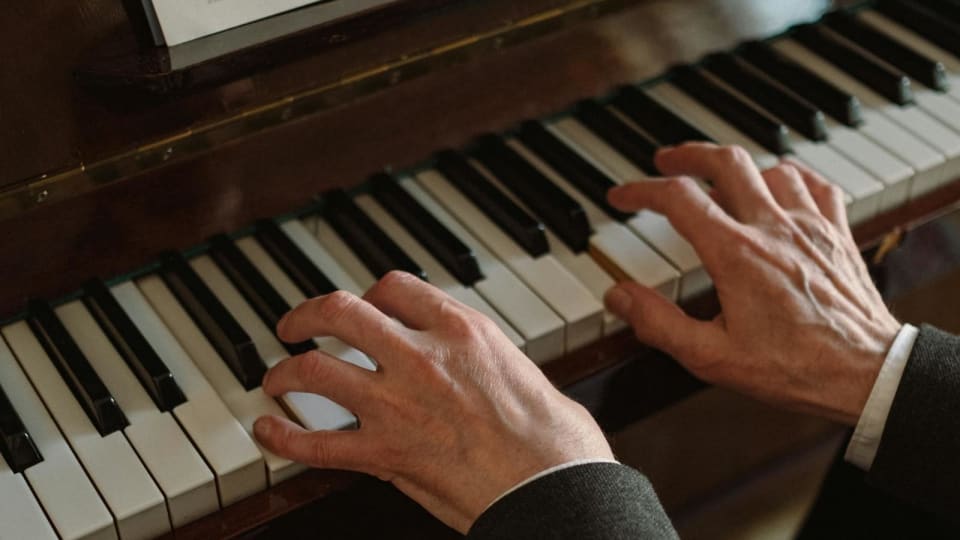
Play the pattern with one right-hand finger on a single key, using short notes. Tap quarter notes on your knee with the left hand before bringing that hand to the keyboard. When ready, play one low note on each numbered beat while the right hand keeps its four entries.
The left hand continues on beats 2 and 4 while the right hand waits for the following “and”. If the hands keep falling together, rehearse that pair of positions separately. Our post on piano rhythm and coordination goes further into locating this kind of disruption.
DrumsAdd one limb at a time
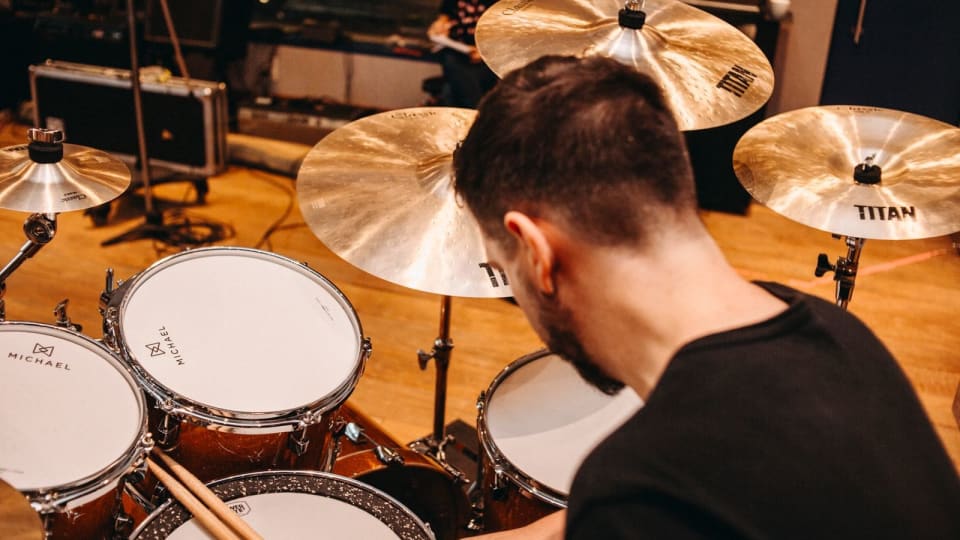
Tap the pattern with one hand on a practice pad. Keep the stick height modest so the offbeats do not require a sudden larger motion. Then use the other hand to mark the quarter-note pulse on your knee. The two hands meet on 1 and 3; the pattern hand also plays between beats.
At a kit, try quarter notes on the hi-hat and the pattern on the snare. Leave the bass drum out initially. Record a few bars and listen to the gap between the last snare attack and the following beat 1, especially if that transition feels hurried.
Before trusting an early-or-late score
A timing display is useful only after the input and sound output behave consistently. Melodics specifically advises against Bluetooth audio for timing-sensitive practice because of latency. Try a wired output when available, check microphone calibration, and test a very simple pattern before judging a complicated one.
It also helps to distinguish three observations: you entered at the wrong place in the bar, the whole performance gradually sped up, or the app repeatedly failed to register a sound. Those call for different next attempts. Write down the actual event, such as “the final offbeat gets early after four repeats”, and return to that short transition at the start of the next session.
For today's practice, spend a few minutes on one app exercise and then play its rhythm on your instrument. Finish by recording a short passage of real music that contains the same difficulty. Listen for the particular entry you worked on; the rest of the piece can wait until tomorrow.