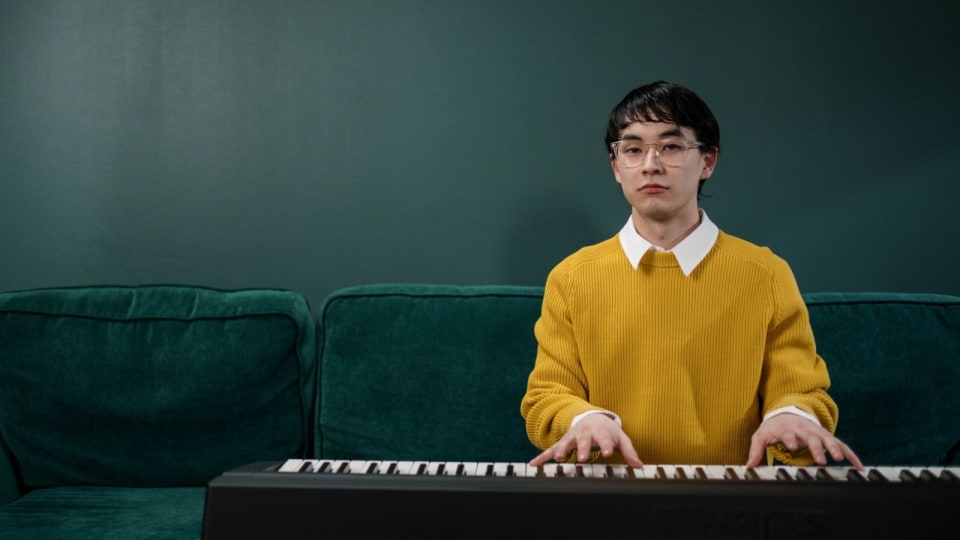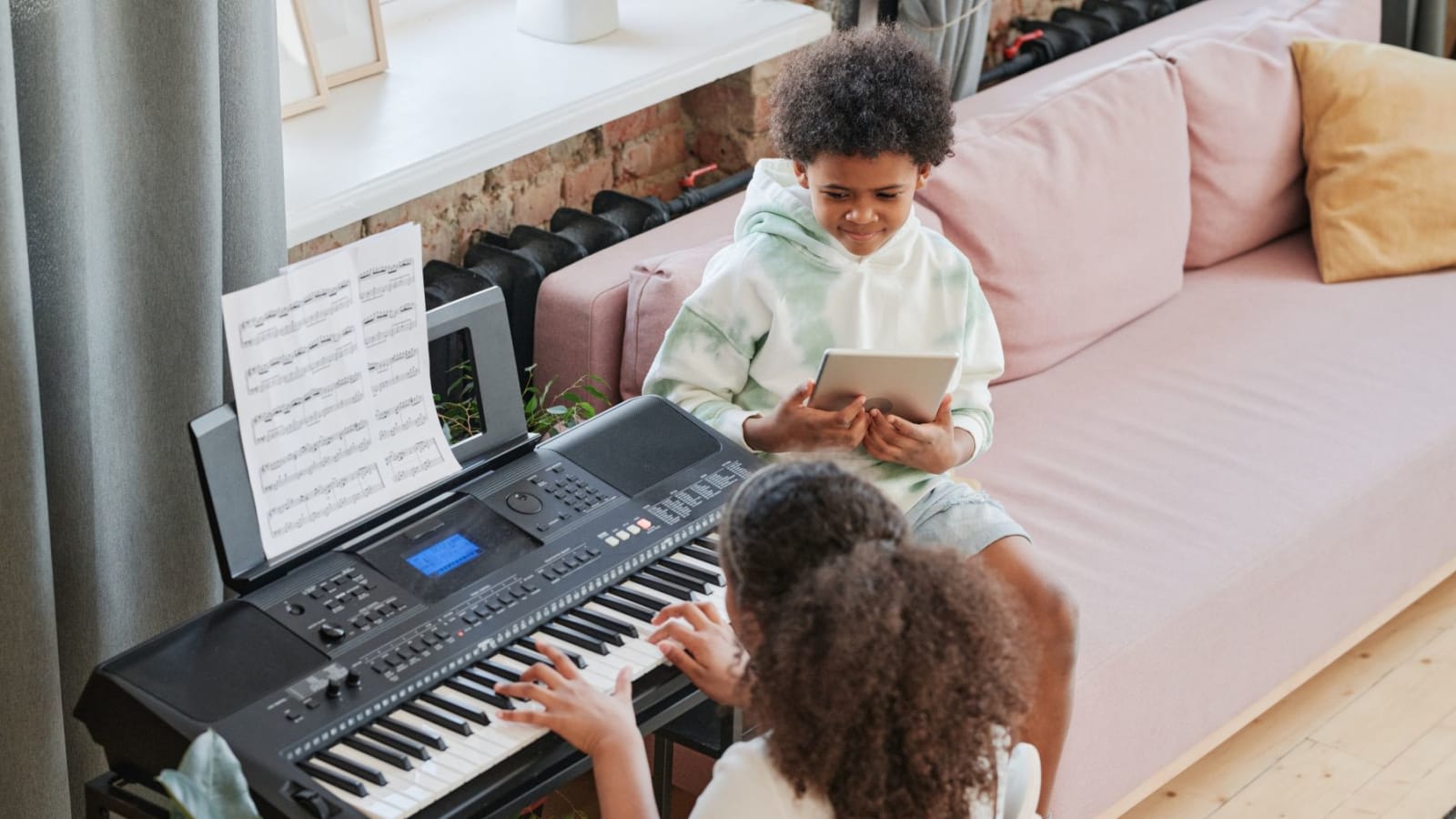
For most budget-conscious beginners using piano apps, the Nektar SE61 is the best fit. It supplies 61 full-size, velocity-sensitive keys and a sustain-pedal input for $99.99. The Roland FP-10 is the stronger long-term instrument when the same purchase also needs to develop piano technique away from the app.
A MIDI controller usually has no piano sound, speakers, or headphone output. It sends note, velocity, and pedal data to Flowkey, Simply Piano, Piano Marvel, or another program, and the connected device produces the sound. That distinction matters more for lesson use than drum pads, faders, or a large software bundle.
Affiliate notice: Some links are paid links. As an Amazon Associate, we earn from qualifying purchases.
-
Best low-cost controllerNektar SE61$99.99 snapshot · 61 full-size synth-action keys · wired USB MIDI · no internal sound
-
Best compact wireless setupKorg microKEY Air-61$254.76 snapshot · 61 mini keys · USB and Bluetooth MIDI · battery operation
-
Best full-range controllerM-Audio Keystation 88 MK3$299 snapshot · 88 full-size semi-weighted keys · USB MIDI · no internal sound
-
Best all-in-one 61-key boardCasio CT-S1$259.99 snapshot · 61 full-size touch-responsive keys · speakers and sounds · USB MIDI
-
Best for piano techniqueRoland FP-10$499.99 snapshot · 88 hammer-action keys · speakers and sounds · USB and Bluetooth MIDI
US retailer price snapshots were checked August 27, 2026 and may change.
A learning app needs notes, while your ears still need audio
MIDI contains instructions such as note number, key velocity, and sustain-pedal position. It contains no piano tone. A silent controller therefore creates two paths: MIDI travels into the app, then the app's audio comes back through the phone, tablet, computer, wired headphones, or external speakers. A digital piano can make its own sound at the same time that it sends MIDI to the lesson.
Bluetooth MIDI and Bluetooth audio are separate. The first carries performance data. The second carries sound and can add enough delay to disturb timing.
The app itself still has to fit the learner. Our piano-learning app comparison covers curriculum, feedback, repertoire, and pricing. The hardware question is narrower: whether the app receives every note reliably and whether the keyboard leaves enough physical room for the music.
| Physical keys | What fits | Where it becomes awkward |
|---|---|---|
| 25 or 32 mini keys | Single-hand drills, note-finding, production sketches | Basic two-hand positions already compete for space |
| 49 full-size keys | Early lessons and compact desks | Octave buttons move the range instead of adding room for both hands |
| 61 full-size keys | A practical beginner range in a manageable width | Later repertoire and some app levels extend past five octaves |
| 88 full-size keys | The complete piano range with no octave switching | Requires about four and a half feet of width before a stand is counted |
Piano Marvel recommends 88 keys for its fullest experience and says 41 keys cover its first level, while 66 are sufficient through Level 3. Standard shopping choices usually jump from 61 directly to 88. The wider question of range, action, and room size is covered in our guide to whether a beginner really needs 88 keys.
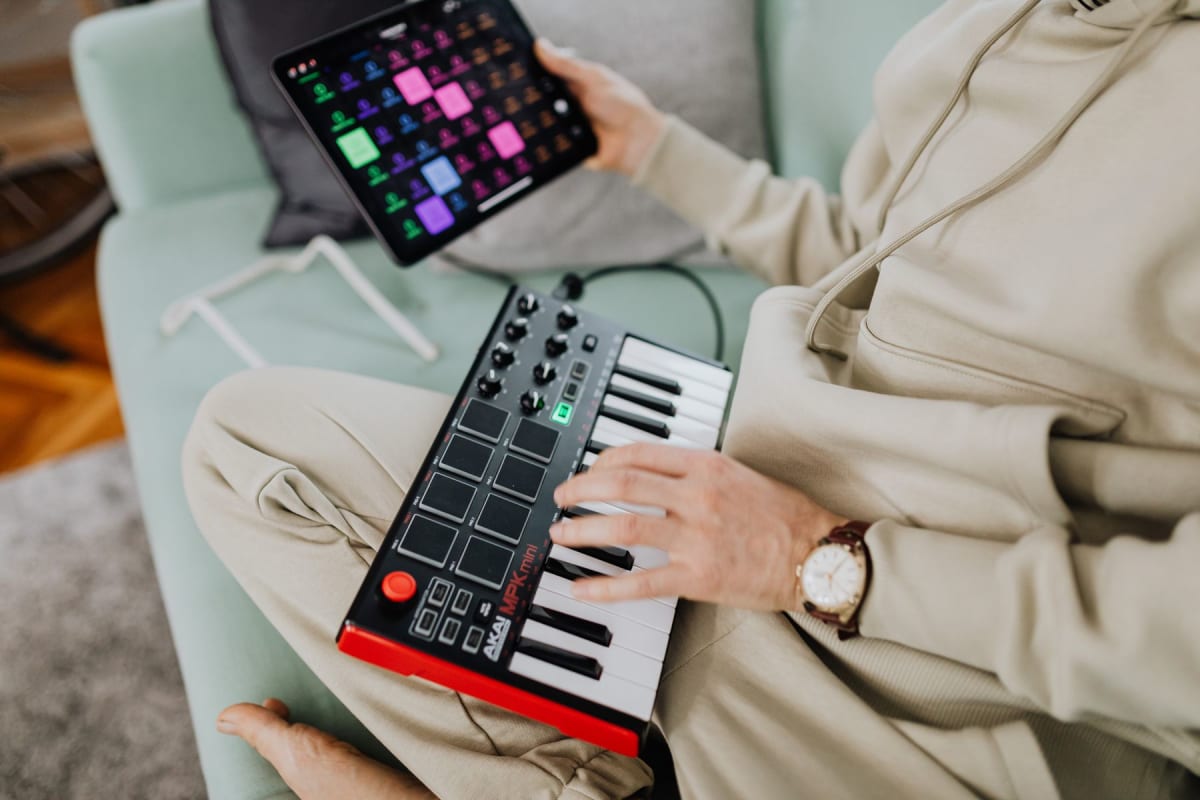
The $99.99 route: Nektar SE61
The Nektar SE61 puts the useful lesson controls into a plain, inexpensive chassis: 61 full-size synth-action keys, velocity response with four selectable curves, octave and transpose buttons, and a quarter-inch footswitch input that can accept a sustain pedal. It is class-compliant, powered through USB, and ships with a USB cable.
There are no speakers, internal piano sounds, conventional five-pin MIDI ports, or wireless connection. The app or computer supplies the sound. Nektar lists Windows, macOS, and iOS support; an iPhone or iPad needs the appropriate data adapter or cable. Android lesson apps can use USB MIDI through OTG, although Android does not appear in Nektar's published platform list for this model.
At this price, the omitted sustain pedal is worth adding before paying for pads or transport controls that a piano lesson rarely uses. The 61-key span is the meaningful advantage over similarly cheap 25-, 32-, and 49-key controllers.
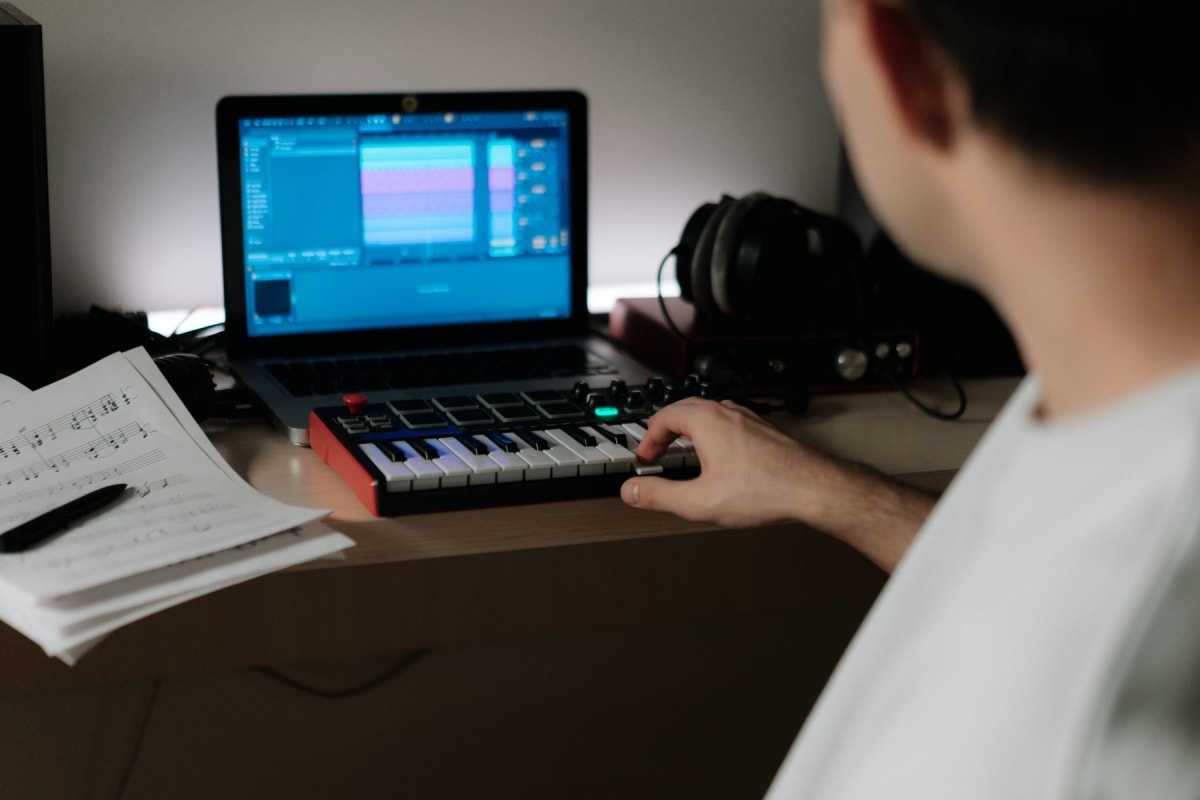
Korg, M-Audio, and Casio solve different setup problems
Korg microKEY Air-61: less desk width and Bluetooth MIDI
Korg fits 61 velocity-sensitive mini keys into a body about 33.5 inches wide. The Nektar is roughly 38.8 inches wide with full-size keys. That five-inch difference can matter on a shared desk, and Bluetooth Low Energy MIDI removes the data cable. The Korg can also connect over USB Type-B, runs from USB power when wired, and uses two AA batteries wirelessly. A sustain-pedal input is present on the 61-key model.
The smaller key spacing changes fingering and hand geometry. Its current $254.76 retailer snapshot also places it close to keyboards with full-size keys, speakers, and internal sounds. Wireless support depends on the app and operating system: Korg documents iOS, macOS, and Windows, with its BLE-MIDI driver required on Windows. Its product page does not promise Android wireless operation.
M-Audio Keystation 88 MK3: complete range without hammer weight
The Keystation 88 MK3 provides all 88 notes for $299. Its keys are full-size, velocity-sensitive, and semi-weighted. At 13.75 pounds, the Keystation is about half the FP-10's weight. Its semi-weighted mechanism provides less resistance than Roland's graded hammer action.
M-Audio includes a USB cable, and the keyboard can draw power over its class-compliant USB connection. There is also a conventional five-pin MIDI output, a sustain input, and an expression input. It has no speakers or sounds, and its 54.24-inch width needs a full keyboard stand rather than a typical computer desk. An optional 9V power supply is useful when a host device cannot provide stable USB power.
Casio CT-S1: a keyboard that works after the app closes
The CT-S1 and Korg snapshots sit within a few dollars of each other, yet the Casio takes a different route. Its 61 keys are full-size and touch-responsive, and it includes internal sounds, stereo speakers, a headphone output, an AC adapter, and a music rest. It can also run from six AA batteries. The action is neither weighted nor hammer-based.
Wired MIDI uses the CT-S1's USB Micro-B port, and Casio does not list a USB data cable in the box. The separate USB-A port serves the optional WU-BT10 adapter, which adds Bluetooth MIDI and audio. A buyer who wants to switch on the keyboard and practise without opening an app gets more from this arrangement than from a silent controller. Our beginner-keyboard guide under $400 compares other self-contained instruments in the same broad budget.
The Roland FP-10 changes the purpose of the purchase
Flowkey receives the same MIDI note number from a light controller and the Roland FP-10. The physical experience is different. Roland's PHA-4 Standard action uses 88 graded hammer-action keys with escapement, giving the fingers resistance and a heavier low register. The instrument also has internal piano sounds, two speakers, a headphone output, USB MIDI, and built-in Bluetooth MIDI.
The $499.99 snapshot includes the AC adapter, music rest, and a basic pedal switch. A USB cable and stand are separate. The FP-10 weighs just under 28 pounds, depends on wall power, and has no Bluetooth audio. Wireless MIDI can send the performance to a compatible app, while the piano's own speakers or headphones handle the sound.
That extra $200 over the Keystation 88 does not improve note recognition inside a learning app. It changes what can be practised at the keyboard: balance against key resistance, control at soft dynamics, and techniques that transfer more naturally to an acoustic piano. Our post on the limits of piano-learning apps explains which parts of technique their feedback cannot assess.
Which connections work with Flowkey, Simply Piano, and Piano Marvel?
Wired USB MIDI is the common route across these services. Bluetooth support is now broader than it used to be, though the exact app, operating system, and device still determine whether it appears as an option.
| Learning app | Wired USB MIDI | Bluetooth MIDI | Useful limit |
|---|---|---|---|
| Flowkey | Computer, iPhone/iPad, and Android | Flowkey's newer Android guide supports it, while an older help page still says it is unavailable | Wired USB is the predictable Android route; Bluetooth may request location permission and reconnection |
| Simply Piano | iPhone/iPad and Android | iPhone/iPad with app version 9.4.35 or newer and built-in keyboard Bluetooth MIDI | No Android Bluetooth MIDI; Touch Intro and Keep in Touch use the on-screen keyboard |
| Piano Marvel | Chrome on computers and Android; iPhone/iPad app | Supported on iPhone/iPad, with wired MIDI described as more reliable | Android app is beta; Piano Marvel recommends its Chrome web app on Android |
The box is only part of the setup
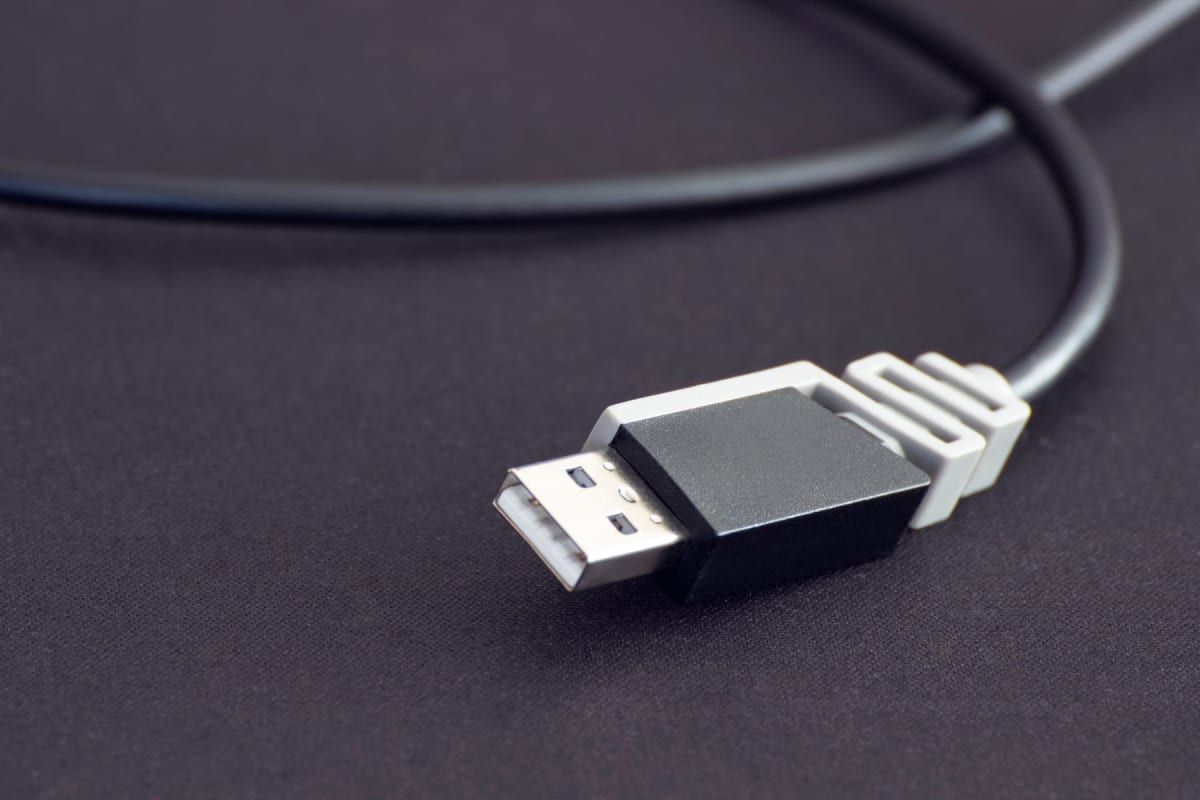
A product page can say “USB MIDI” while leaving the crucial phone or tablet adapter unspecified. A silent controller also needs an audible output, and every model here benefits from a stable stand and correctly polarized sustain pedal. The table separates included connection hardware from the first likely additions.
| Keyboard | Connection and power in the box | Likely first additions |
|---|---|---|
| Nektar SE61 | USB cable; USB bus power | Mobile adapter if needed, sustain pedal, audio output, stand |
| Korg microKEY Air-61 | USB cable; USB bus power when wired | Two AA batteries for wireless use, sustain pedal, audio output |
| M-Audio Keystation 88 MK3 | USB cable; USB bus power | Full-size stand, sustain pedal, audio output; optional 9V supply |
| Casio CT-S1 | AC adapter and music rest | USB Micro-B data cable, sustain pedal; WU-BT10 only if wireless is needed |
| Roland FP-10 | AC adapter, music rest, basic pedal switch | USB-B data cable for wired MIDI, sturdy stand and bench |
Bluetooth headphones are a separate decision from Bluetooth MIDI. Simply Piano advises against Bluetooth headphones because audio delay varies enough to make playing uncomfortable. Device speakers or wired headphones keep the heard attack closer to the key press.
Test the complete path during the return window. Connect the keyboard before opening a lesson, confirm that the app names the MIDI device, and play softly and loudly across the lowest and highest notes used in the current course. Check the sustain pedal, then disconnect everything and repeat the setup from a cold start. Charging-only cables and passive hubs are common failure points.
Once the connection is stable, make a note of the cable, adapter, app setting, and audio route that worked. Practis can keep those details beside the session history for next time.